
Tips for Online Classes – Boosting Focus and Success
Over half of American college students now enroll in at least one online class, transforming how people balance education and life. With more universities and employers embracing digital learning, understanding online classes has never been more important. This guide reveals how online courses are structured, which digital tools set you up for success, and which habits help American learners thrive in a virtual classroom.
Key Takeaways
| Point | Details |
|---|---|
| Flexibility of Online Classes | Online classes offer students the ability to balance multiple commitments due to their various formats and participation methods. |
| Diverse Learning Styles Supported | Online education accommodates a range of learning preferences by providing multiple content formats, ensuring inclusivity for all students. |
| Strategic Digital Setup Required | Successful online learning demands a well-organized digital environment, including essential tools and a dedicated workspace to enhance focus and communication. |
| Time Management Is Crucial | Online students must implement disciplined time management strategies to avoid procrastination and maintain consistent academic progress throughout their courses. |
What Are Online Classes and How They Work
Online classes are a modern learning approach that brings education directly to your computer screen. These remote learning experiences allow students to access course materials, participate in discussions, and complete assignments through digital platforms. Unlike traditional classroom settings, online classes offer incredible flexibility for students juggling multiple responsibilities.
These digital learning environments come in several formats. Learning management systems support different course structures, ranging from fully online to blended experiences. The three primary online class types include:
- Web-Enhanced Courses: Traditional in-person classes supplemented with online resources
- Blended Courses: Mix of online and face-to-face instruction
- Fully Online Courses: Over 80% of content delivered through digital platforms
Participation in online classes can happen through two primary methods: synchronous and asynchronous learning. Synchronous classes require students to attend virtual meetings at specific times, similar to traditional class schedules. Asynchronous courses provide more flexibility, allowing students to access materials and complete assignments on their own schedule.
Here’s a quick comparison of online class participation models:
| Method | Schedule Flexibility | Peer Interaction Level | Typical Tools Used |
|---|---|---|---|
| Synchronous | Fixed class times | Real-time group work | Video conferencing apps |
| Asynchronous | Learn anytime | Delayed discussions | Forums, recorded lectures |
| Hybrid | Some fixed, some free | Mix of live and delayed | All above |
Pro Student Tip: Create a dedicated workspace with minimal distractions and establish a consistent daily schedule for completing online coursework to maximize your learning potential and stay organized.
Bonus Learning Hack: Set up digital calendar reminders for assignment due dates and create a weekly study plan to stay on track with your online classes.
Types of Online Classes and Learning Styles
Online education has evolved to accommodate diverse learning preferences and student needs. Research suggests that learning styles do not significantly impact course delivery or academic performance, which means students can successfully engage with online learning regardless of their individual learning approach.
Typically, students fall into four primary learning style categories:
- Visual Learners: Prefer graphics, diagrams, and visual representations
- Auditory Learners: Learn best through listening and verbal instructions
- Reading/Writing Learners: Excel with text-based materials and written assignments
- Kinesthetic Learners: Thrive on hands-on experiences and interactive content
Online courses now design content to support multiple learning styles simultaneously. This might include video lectures for visual learners, podcast-style audio content for auditory learners, detailed text materials for reading/writing learners, and interactive simulations for kinesthetic learners. The goal is to create inclusive digital learning environments that help every student succeed.
Modern online learning platforms offer incredible flexibility in content delivery. Some courses provide multiple content formats, allowing students to choose how they want to engage with course materials. This means you can customize your learning experience based on what works best for your personal learning style and preferences.
Pro Student Tip: Experiment with different learning resources in your online courses to discover which formats help you understand and retain information most effectively.
Learning Strategy Hack: Create a personal learning portfolio that tracks which content types and study methods work best for you across different online classes.
Essential Digital Tools and Setup Tips
Successful online learning requires a strategic digital setup that goes beyond just having a computer and internet connection. Students need to create a comprehensive digital ecosystem that supports efficient learning, communication, and organization.
Essential digital tools for online classes include:
- Learning Management System (LMS): Primary platform for course materials and assignments
- Video Conferencing Software: Zoom, Microsoft Teams, Google Meet
- Cloud Storage: Google Drive, Dropbox for file management
- Note-taking Apps: Notion, Evernote, OneNote
- Time Management Tools: Trello, Asana, Google Calendar
Online class participation demands consistent daily engagement through digital platforms. This means checking your LMS daily, responding to discussion boards, submitting assignments electronically, and maintaining regular communication with instructors via email or virtual office hours.
Your digital workspace matters as much as the tools you use. Set up a dedicated study area with good lighting, a comfortable chair, and minimal background distractions. Ensure your internet connection is stable, invest in noise-canceling headphones, and organize your digital desktop with clear folder structures for each class.
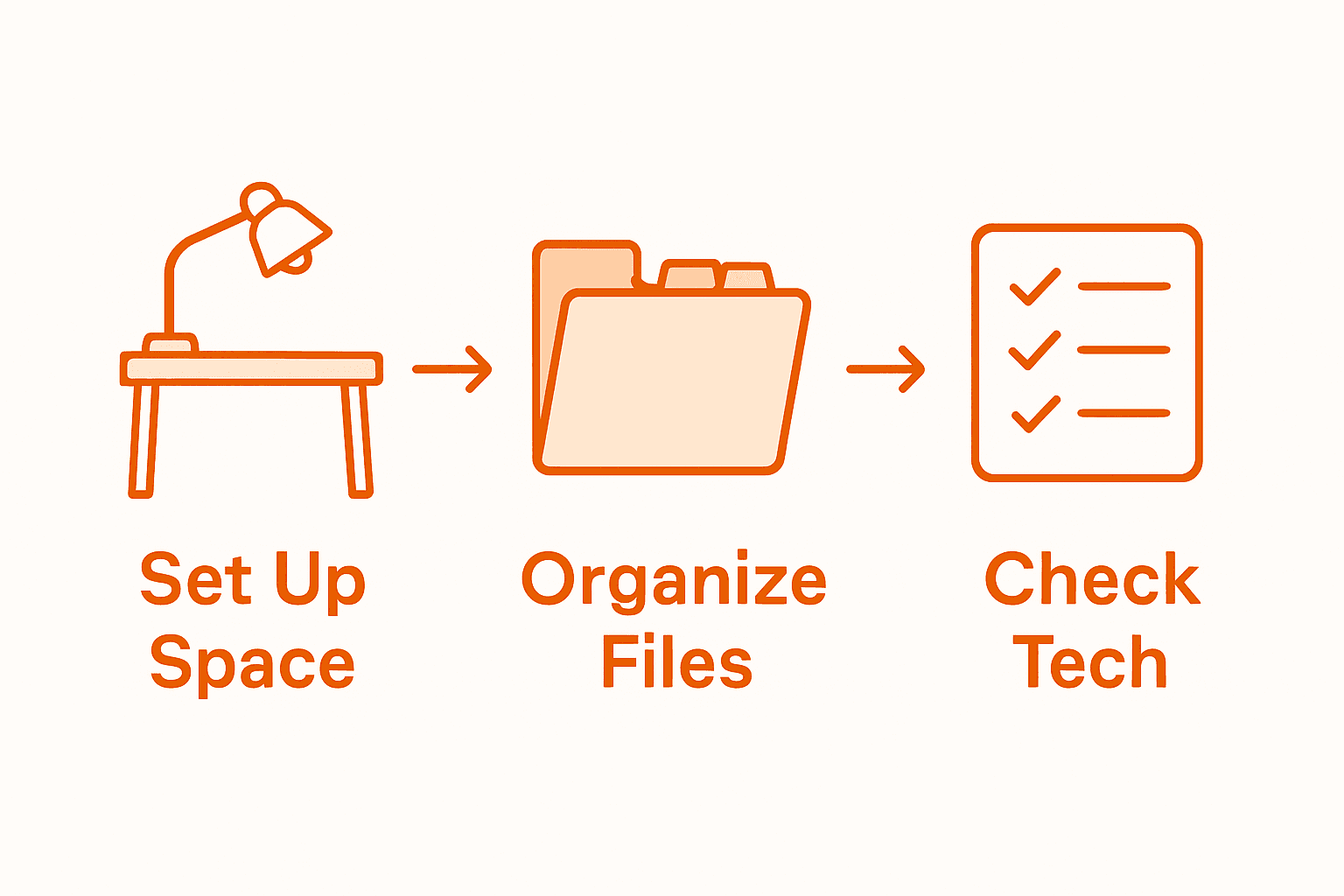
Pro Digital Setup Tip: Create a digital filing system where each course has its own color-coded folder and consistent naming convention to streamline your online learning experience.
Tech Preparation Hack: Run a technology diagnostic before each semester, checking your computer’s performance, updating software, and testing your webcam and microphone to prevent last-minute technical issues.
Proven Study Habits for Virtual Learning
Establishing a consistent routine is fundamental to virtual learning success, requiring discipline and strategic planning. Online students must approach their digital education with intentionality, creating structured study environments that minimize distractions and maximize learning potential.
Effective virtual learning strategies include:
- Time Blocking: Dedicate specific hours exclusively to studying
- Active Participation: Engage in online discussions and virtual study groups
- Regular Self-Assessment: Track progress and adjust study techniques
- Digital Note-Taking: Use collaborative platforms for comprehensive learning
- Periodic Breaks: Implement short, structured intervals to maintain focus
Students should approach online learning as an active process, not a passive experience. This means going beyond simply watching lectures by implementing interactive study techniques like summarizing key concepts, creating mind maps, and explaining complex ideas to imaginary study partners. Developing a proactive mindset helps compensate for the lack of in-person classroom interactions.
Creating a dedicated study space is crucial for virtual learning success. This doesn’t require a perfect home office – even a consistently used corner of a room can become a powerful learning environment. Ensure good lighting, minimal background noise, and a comfortable chair that supports good posture during long study sessions.

Pro Concentration Tip: Use the Pomodoro technique – study intensely for 25 minutes, then take a 5-minute break to maintain high mental engagement and prevent burnout.
Study Optimization Hack: Record yourself explaining complex course concepts, then listen to these recordings during commutes or downtime to reinforce learning through audio repetition.
Avoiding Distractions and Managing Screen Fatigue
Managing digital distractions requires a strategic approach that goes beyond simply willing yourself to focus. Online learners must create intentional barriers between themselves and potential interruptions, transforming their digital environment into a productivity sanctuary.
Key strategies for minimizing digital distractions include:
- Notification Management: Turn off alerts on all devices
- Browser Control: Use website blockers during study times
- Physical Separation: Keep smartphones in another room
- Digital Workspace Optimization: Create a dedicated, clutter-free study area
- App Limitations: Set strict time limits on social media applications
Establishing a structured remote learning routine helps combat screen fatigue and maintains cognitive sharpness. This involves implementing deliberate breaks, practicing eye strain prevention techniques, and creating physical movement opportunities between intense study sessions.
Ergonomic considerations play a crucial role in managing screen time. Position your screen at eye level, use blue light filtering glasses or settings, and follow the 20-20-20 rule: every 20 minutes, look at something 20 feet away for 20 seconds. These small adjustments can significantly reduce eye strain and mental exhaustion associated with prolonged digital learning.
Pro Digital Wellness Tip: Install screen time tracking apps to gain insights into your digital habits and identify potential productivity drains.
Screen Health Hack: Create a digital sunset routine where you gradually reduce screen brightness and stop using devices at least one hour before bedtime to improve sleep quality and mental recovery.
Common Mistakes in Online Learning to Avoid
Online learning demands careful time management and strategic planning, with students frequently falling into predictable traps that can derail their academic progress. Understanding these common pitfalls is the first step toward creating a successful digital learning experience.
Use this table to align study habits with potential challenges in online learning:
| Challenge | Effective Habit | Measurable Outcome |
|---|---|---|
| Procrastination | Time blocking | Assignments completed on time |
| Feeling isolated | Active discussion participation | Stronger social connections |
| Screen fatigue | Regular eye breaks | Reduced eye strain, better focus |
| Poor organization | Digital filing system | Quick access to course materials |
The most frequent mistakes online students make include:
- Underestimating Time Commitment: Assuming online classes require less effort
- Poor Communication: Failing to engage with instructors and classmates
- Inconsistent Schedule: Not establishing a structured daily learning routine
- Technological Unpreparedness: Neglecting to test and understand digital tools
- Isolation: Avoiding collaborative learning opportunities
Effective online learning requires proactive time management strategies, which means treating digital courses with the same seriousness as traditional classroom experiences. Students must create personal accountability systems, set realistic goals, and develop consistent study habits that compensate for the lack of in-person structure.
Procrastination becomes particularly dangerous in online environments where no one is physically monitoring your progress. Develop a system of self-accountability by breaking large assignments into smaller, manageable tasks, using digital calendars for tracking deadlines, and creating personal reward systems for completing study milestones. Remember that online learning requires more self-discipline, not less.
Pro Performance Tip: Create a weekly accountability chart where you track your study hours, assignment completions, and personal learning goals to maintain consistent academic momentum.
Learning Strategy Hack: Schedule weekly self-check-ins to review your progress, adjust your study strategies, and celebrate your academic achievements.
Master Your Focus and Succeed in Online Classes Today
Struggling with distractions and screen fatigue can hold you back from reaching your full potential in online classes. This article highlighted common challenges such as managing digital distractions and creating structured study routines that boost focus. If you found yourself nodding along to tips like setting up a dedicated study space or using time blocking, it is clear you need strategies designed to support your unique online learning journey.
Unlock proven tips tailored for virtual learning by exploring the Online Learning – Learning With Angie resources. You will discover simple yet powerful habits that foster sustained concentration and effective time management. Whether you are a high school student, a college learner, or a passionate lifelong learner, our community offers insights to help you conquer procrastination and enhance your digital wellness. Start transforming your focus habits now with expert guidance and actionable advice!
Frequently Asked Questions
What are some effective study habits for online classes?
Establish time blocking for focused study sessions, actively participate in online discussions, track your progress with regular self-assessments, and take digital notes using collaborative platforms.
How can I minimize distractions while taking online classes?
Turn off notifications on your devices, use website blockers, keep your smartphone in another room during study times, and create a dedicated, clutter-free study area to enhance your focus.
What tools are essential for success in online learning?
Key tools include a Learning Management System (LMS) for accessing course materials, video conferencing software for virtual interactions, cloud storage for file management, note-taking apps, and time management tools to keep you organized.
How can I avoid screen fatigue during online classes?
To combat screen fatigue, take regular eye breaks, use the 20-20-20 rule, position your screen at eye level, and create a digital sunset routine by reducing screen brightness before bedtime.
Recommended
- 15 Reasons the Feynman Technique Is a Game-Changer for Students
- 27 Foolproof Tips on How to Get Good Grades in Online Classes
- 16 Essential College Care Package Ideas to Support and Inspire Students
- What Tools and Apps Can Improve Productivity for Students?
Want a head start? The Ultimate Student Planner in my shop was made for exactly this — it’ll save you a ton of time.