Between the looming deadlines of midterms, the social pressure of extracurriculars, and the constant "What’s next?" of college applications, it’s easy to feel like you're drowning in a sea of tasks. You probably already use a digital planner to track your chemistry labs and math homework, but are you using it to track you?
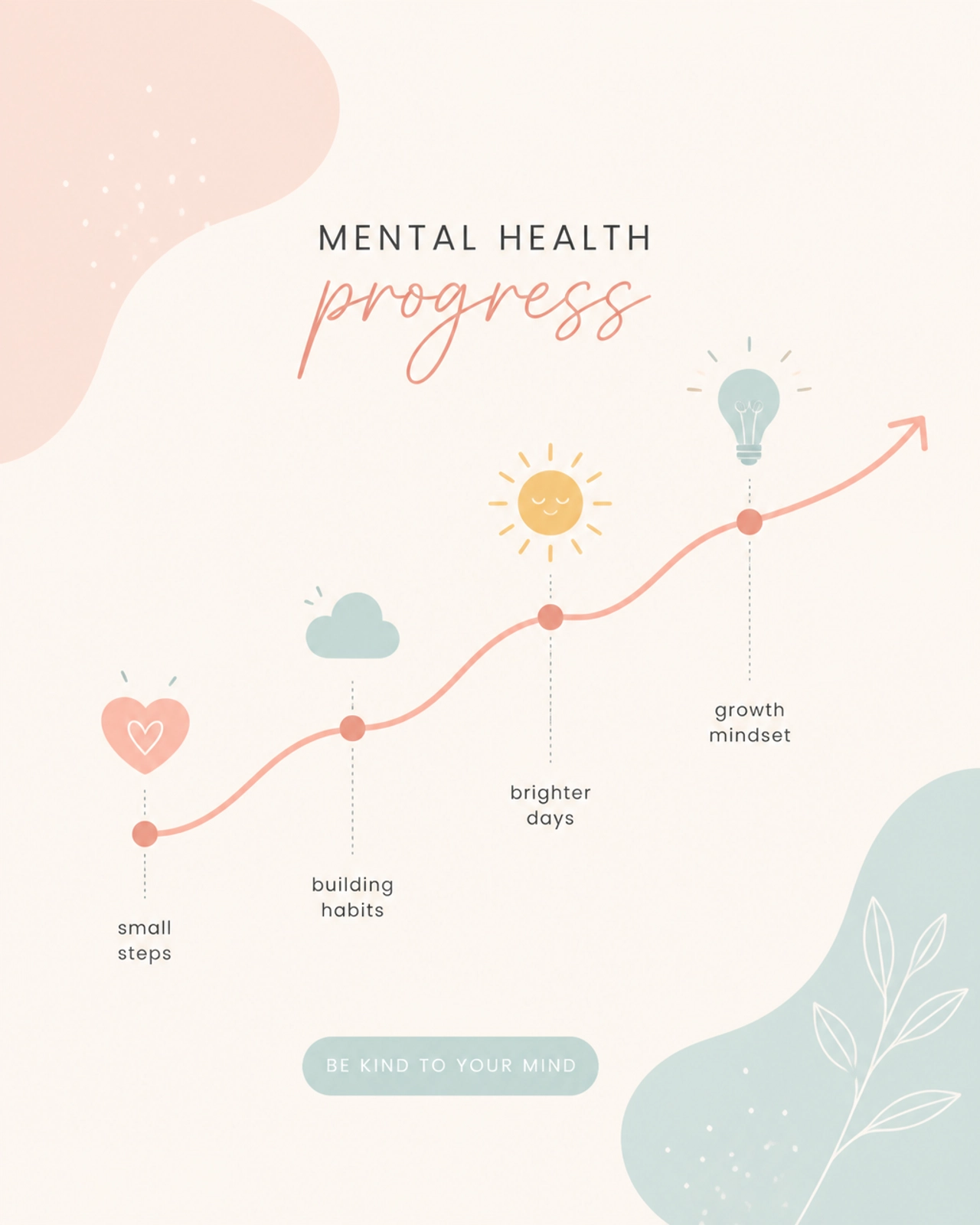
Integrating mental health check-ins into your digital workflow is the single most effective way to prevent burnout before it starts. By turning your planner into a holistic dashboard for both your grades and your well-being, you gain an objective view of your stress levels.
Are you ready to stop surviving the semester and start thriving in it? Here is exactly how to build a mental health system directly into your favorite digital tools.
Why Your Mental Health Needs a Seat at the Table
You wouldn't ignore a low battery warning on your laptop, so why do you ignore one in your own mind? Traditional productivity is often focused on output: how much you got done today. However, sustainable student success is built on input: how much energy and mental clarity you actually have.
Integrating mental health tracking into tools like Notion or GoodNotes provides several essential benefits:
- Identify Burnout Patterns: You’ll notice if your mood drops every Tuesday after a specific class, allowing you to adjust your schedule.
- Connect Productivity to Well-being: See the direct link between a good night’s sleep and your ability to focus on deep work.
- Remove the Guesswork: When you feel "off," you can look at your data to see if you’ve skipped your Daily Healthy Habits.
- Create a Stress Buffer: By tracking stress levels, you can preemptively clear your weekend before a "red zone" hits.
Build Your Daily Mood Tracker in Notion
Notion is arguably the best tool for notion templates for college because of its database capabilities. You can create a "Daily Log" that connects your academic tasks to your internal state.
To set this up, create a new database and add the following properties:
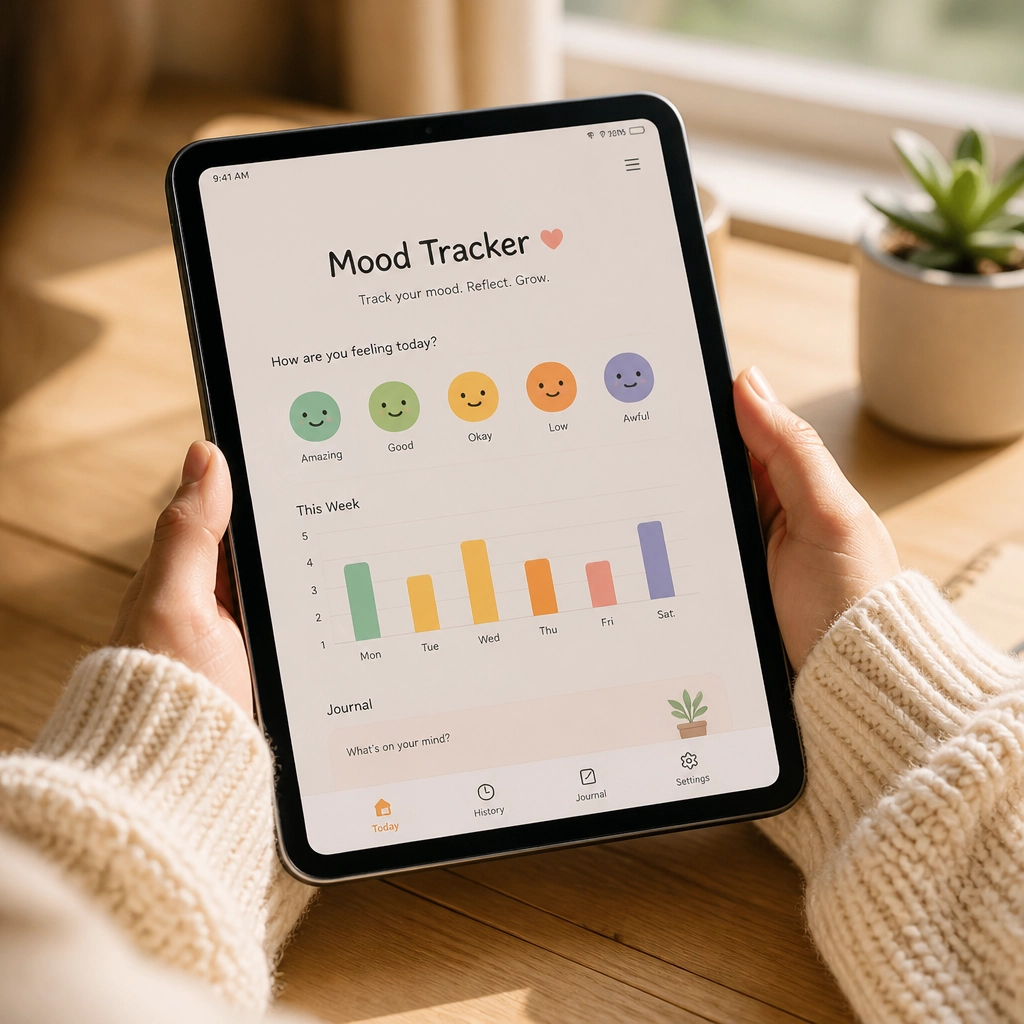
- Mood (Select): Use emojis to represent how you feel (e.g., 🌟 Great, 😐 Neutral, 🌪️ Stressed).
- Energy Level (Number): A simple 1-5 scale to track your physical capacity.
- Sleep Quality (Select): Keep it simple: Rested, Average, or Tired.
- The "One Thing" (Text): What is one thing that made you smile today? This fosters gratitude without being overwhelming.
Pro-Tip: Set up a database template so that every morning, you can click "New Entry" and have these prompts ready to go. If you need a head start on organizing your life, check out our Life Reset Checklist to clear the mental clutter.

Essential Metrics for Stress Management for Students
Not every mental health metric is about "feelings." Often, the most important data points are the ones that affect your biology. For effective stress management for students, you need to track the "Triggers."
Use your digital planner to log these three high-impact areas:
1. The Sleep-Stress Correlation
High school and college students are notorious for running on caffeine and five hours of sleep. Use your planner to note not just when you went to bed, but how you felt the next morning. You will quickly see that your "stress" often correlates directly with a sleep deficit.
2. Identifying Academic Triggers
Does your mood tank every time you open your AP Calculus folder? If you identify a specific subject as a major stressor, you can stop blaming yourself for "being lazy" and instead look for targeted resources, like our APUSH Study Plan or similar guides, to lower the friction of that specific task.
3. Physical Activity and "Brain Breaks"
Track your movement. You don’t need a gym session; even a 10-minute walk affects your cortisol levels. Seeing a "Yes" next to "Movement" on your daily checklist provides a small hit of dopamine that keeps you motivated.
Transforming Data into Actionable Self-Care
Data is only useful if you use it to change your behavior. Integrating mental health check-ins means building a "Self-Care Menu" inside your planner.
When your tracker shows you are in a "Low Energy" or "High Stress" state, don't just stare at the screen. Navigate to your digital Self-Care Menu and pick an activity based on how much time you have:
- 5 Minutes: Box breathing or a quick Self-Assessment.
- 15 Minutes: A brain dump in your Daily Reflection Journal.
- 30 Minutes: A screen-free walk or a creative hobby like mandala coloring.
By having these pre-decided, you remove the "decision fatigue" that often prevents stressed students from actually resting.
Review Your Patterns Biweekly
Consistency is the key to clarity. Every two weeks, take ten minutes to look back at your digital logs. This isn't about judging yourself; it's about being a scientist of your own life.
Ask yourself these three questions:
- What was my most common mood? (If it's consistently "Stressed," it's time to re-evaluate your course load or extracurriculars).
- What activity consistently improved my energy? (Do more of that).
- Which days were the most productive? (Usually, they are the days following a high-quality sleep or a self-care check-in).
If you are feeling overwhelmed by the transition to high school or college, using a High School Four-Year Plan Template can help you see the big picture so the daily tasks don't feel so heavy.

Join The Community
Managing student life is hard, but you don't have to do it alone. We believe that student success is about more than just a GPA: it’s about building a life you actually enjoy living.
Protect your peace while you pursue your GPA.
Add this Mindful Dashboard to your digital planner for daily mental health check-ins and stress-tracking. Just $7!
Protect My Peace
Ready to level up your organization and protect your peace? Join our community by signing up for our biweekly newsletter. You’ll get actionable study hacks, mental health tips, and exclusive access to our newest templates and tools.
Sign Up For Our Newsletter Here
Integrating mental health check-ins isn't just "extra work": it's the foundation of effective learning. Start small today by adding a single "Mood" property to your planner. Your future, less-stressed self will thank you.
Want a head start? The Ultimate Student Planner in my shop was made for exactly this — it’ll save you a ton of time.