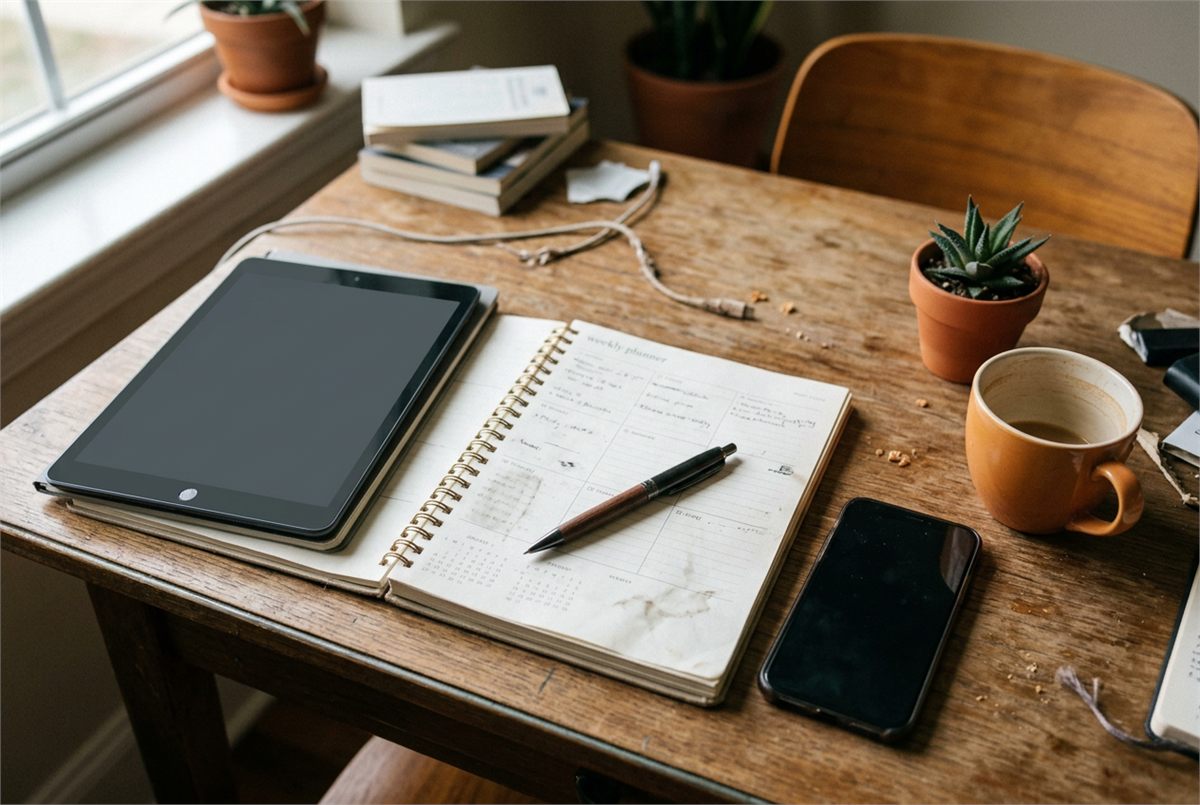
You know the feeling: you sit down at your desk with your digital planner beautifully organized. Your tasks are listed, your aesthetic icons are in place, and you’re ready to conquer the world. But then, two hours pass. You’ve checked your email five times, scrolled through TikTok, and organized your desk, but you haven’t actually started that essay.
The gap between planning and doing is where most students lose their momentum.
To bridge that gap, you need a power couple: your digital planner for the "what" and a focus timer for the "when." When you integrate these two tools, you stop just looking at your goals and start crushing them. Ready to become the most productive version of yourself? Let’s dive in.
Why You Need a Focus Power Couple
A planner without a timer is just a wish list. A timer without a planner is just a countdown to nowhere. By syncing them, you create a workflow that is both structured and executable.
Integrating these tools helps you:
- Eliminate Decision Fatigue: You already know what to do next because your planner told you; now the timer tells you it's time to start.
- Create Realistic Timelines: You’ll quickly learn that "Study Biology" doesn't take 20 minutes: it takes four 25-minute sessions.
- Build "Flow State" Habits: Timers train your brain to recognize that "this is work time," making it easier to ignore distractions.
- Reduce Burnout: Scheduled breaks ensure you’re resting your brain before you hit a wall.
Step 1: Map Out Your Day in Your Digital Planner
Before you touch a timer, you need a roadmap. Using a tool like the Learning With Angie Notion College Search Template or a high-quality digital organizer is essential for seeing the big picture.
How to set up your daily roadmap:
- Time Block Your Non-Negotiables: Fill in your classes, meetings, and meals first.
- Prioritize Three Tasks: Don't list 20 things. Pick three high-impact tasks you must finish today.
- Break Down Large Projects: Instead of writing "Write Research Paper," write "Draft Introduction" or "Find 3 Sources." Small tasks are easier to time.
- Leave "Buffer" Room: Life happens. Don't book every single minute, or one delay will ruin your entire day.

Step 2: Choose Your Perfect Focus Timer
Now that you have your list, you need the engine to drive it. While your phone has a basic clock, dedicated focus apps are far more effective for student productivity.
The Pomodoro Technique
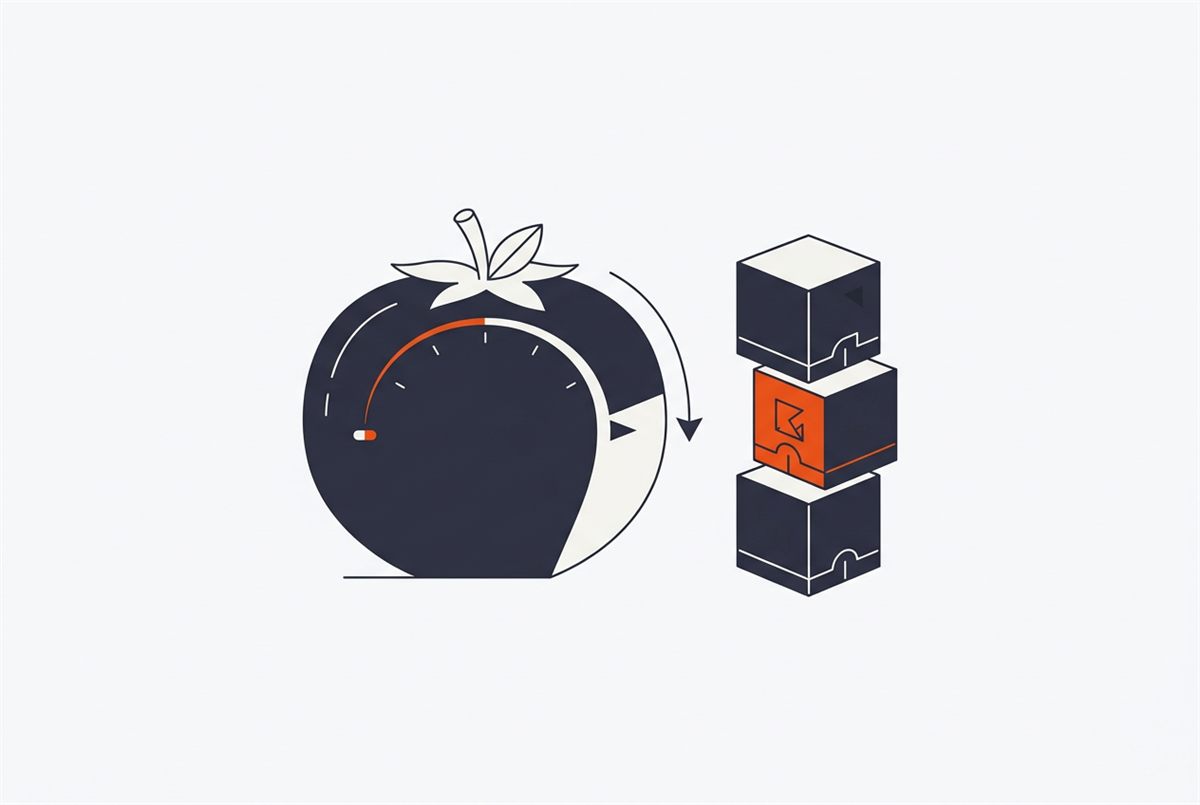
The most popular method is the Pomodoro Technique. You work for 25 minutes, then take a 5-minute break. After four rounds, you take a longer 20-30 minute break. This keeps your mind fresh and prevents the "brain fog" that comes from staring at a screen for three hours straight.
Essential Timer Apps for Students:
- Forest: A gamified timer where you grow a virtual tree while you work. If you leave the app to check social media, your tree dies!
- Be Focused: Great for Apple users, it allows you to name your intervals based on the tasks in your planner.
- FocusBox: A fantastic all-in-one option that lets you import tasks directly, keeping everything in one place.
Step 3: How to Sync Them for Maximum Efficiency
This is where the magic happens. You aren't just using two separate apps; you are integrating them into a single movement.
- Assign Intervals to Planner Tasks: Look at your digital planner. Next to "Calculus Homework," write "(3 Focus Sessions)." This gives you a clear mental deadline.
- Start the Timer Immediately: The moment you finish writing your plan, hit "Start" on your timer. This creates a sense of urgency and prevents procrastination.
- Use Your Breaks for "Micro-Rewards": In your planner, list a few 5-minute rewards. Maybe it's a quick stretch, a glass of water, or checking one specific notification.
- Track Your Stats: At the end of the day, look at how many focus sessions you completed. Many digital planners, like our Life Reset Checklist, have space to track daily habits and productivity wins.
3 Pro-Tips to Skyrocket Your Focus
If you want to truly level up, these three strategies will make your new system indestructible.
1. Optimize Your Environment
You can have the best planner and the most expensive timer, but if you’re trying to work in a messy, loud room, you’ll struggle. Create a dedicated study nook. Even a small corner of a room can become a "productivity zone" with the right lighting and a few plants.

2. Follow the "Rule of Three"
To prevent overwhelm, never put more than three major "Deep Work" sessions in your planner per day. Deep work is mentally draining. If you try to do eight hours of intense focus, your brain will rebel. Quality focus always beats quantity.
3. Use Ambient Soundscapes
Many focus timers come with "Brown Noise," "Rainfall," or "Library Ambience." These sounds help mask background noise and signal to your brain that it’s time to concentrate. It’s an essential tool for students in busy dorms or houses.
Essential Resources for Your Productivity Journey
Ready to streamline your workflow? We’ve curated the best tools to help you get started today:
- Free Planners: Start organizing with our Undated Monthly Planner Printable to map out your long-term goals.
- Daily Reflection: Use the Daily Reflection Journal Template to review how your focus sessions went and what you can improve tomorrow.
- College Prep: If you're heading to campus soon, make sure your tech and desk are ready with our Ultimate College School Supplies List.
Join The Community
Success is easier when you don't do it alone. Join the Learning With Angie community to get biweekly resources, productivity hacks, and honest student advice delivered straight to your inbox.
Whether you're struggling with high school exams or navigating the complexities of college life, we're here to provide the actionable tools you need to excel. Let's make this your most productive semester yet!

Want a head start? The Ultimate Student Planner in my shop was made for exactly this — it’ll save you a ton of time.