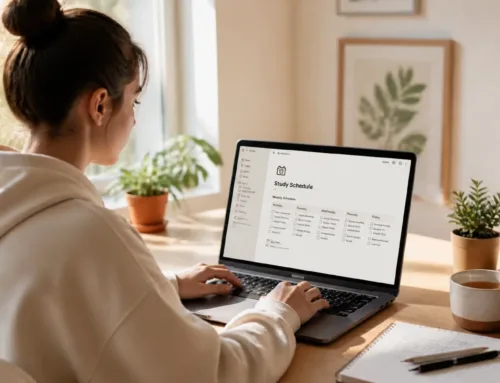
Are you tired of carrying around heavy binders or losing track of loose-leaf notes? Transitioning to a digital student planner is one of the most effective ways to streamline your academic life and regain control of your schedule. Whether you are a high schooler preparing for college or a university student juggling a heavy course load, the right digital tool can be a total game-changer for your productivity.
But with so many options available: from Notion templates to annotated PDFs: how do you know what to look for? Before you hit "download," here are 10 essential things you should know about choosing and using a digital student planner.
1. Choose the Right Platform for Your Workflow
Not all digital planners are created equal. The first thing you need to decide is which platform fits your study style. Generally, you will choose between two main types:
- Database-driven planners (like Notion): These are highly functional and allow you to link databases together. For example, your "Assignment Tracker" can automatically feed into your "Weekly Calendar."
- PDF Annotation planners (like GoodNotes or Notability): These feel more like a traditional paper planner. You use a stylus to handwrite your notes and schedule on "digital paper."
Ready to try a structured database? Check out our Notion College Search Template + Timeline to see how powerful a centralized digital system can be.
2. Prioritize Automated Deadlines and Reminders
The biggest advantage of going digital is that your planner can actually talk back to you. Unlike a paper planner that sits closed on your desk, a digital planner can send you notifications before a deadline.
- Set reminders for 24 hours before an assignment is due.
- Sync with your phone to get alerts while you’re on the go.
- Automate recurring tasks, like weekly club meetings or lab sessions, so you only have to enter them once.
3. Look for Centralized Academic Hubs
A great digital planner does more than just track dates; it organizes your entire academic existence. Look for templates or layouts that include specific sections for:
- Course Hubs: A single page for each class containing the syllabus, professor contact info, and grade weights.
- Grade Trackers: To calculate your current standing in a class automatically.
- Resource Libraries: A place to store links to online textbooks, research papers, and lecture recordings.
4. Customizability is Key to Longevity
Your needs as a student will change from semester to semester. If your planner is too rigid, you will likely stop using it by midterms. You need a tool that allows you to enhance your layout as your priorities shift.
- Flexible layouts: Ensure you can add or remove sections easily.
- Aesthetic appeal: Choose a planner that you actually enjoy looking at. A minimalist design with soft colors can reduce visual overwhelm and make you more likely to check your schedule.
- Modular components: Use "widgets" for things like weather, Pomodoro timers, or daily quotes to keep your dashboard fresh.
5. Syncing Across Multiple Devices is Essential
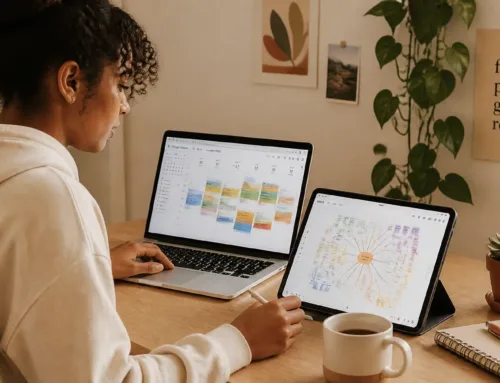
You are rarely in just one place. You might be at your desk with your laptop, in a lecture with your tablet, or on the bus with your phone. Your planner needs to follow you.
- Cloud synchronization: Ensure your planner updates in real-time across all devices.
- Offline access: Check if the tool allows you to view your schedule even when the campus Wi-Fi is down.
- Mobile optimization: Make sure the interface is easy to read on a smaller smartphone screen for quick reference between classes.

6. Balance Aesthetics with Functionality
We all love a "studygram" worthy setup, but don't let the aesthetics distract you from the actual work. While aesthetic note-taking is a great way to stay engaged, your planner's primary job is to keep you organized.
- High-contrast text: Ensure you can actually read your tasks at a glance.
- Intuitive navigation: You shouldn't have to click five times to find your "To-Do" list.
- Clean visuals: Use color psychology to categorize your subjects without creating a rainbow of chaos.
7. Integrate Personal Growth and Wellness
Being a successful student isn't just about grades; it’s about your overall well-being. The best digital planners have dedicated space for life outside of the classroom.
- Habit Trackers: Monitor your sleep, hydration, or exercise.
- Personal Finance: Use money management tools to track your student budget and spending.
- Reflection Logs: Take five minutes at the end of the week to note what went well and what didn't.
8. Understand the Initial Learning Curve
Digital planners are powerful, but they often require a bit of setup time. Don't wait until the busiest week of the semester to start.
- Start small: Begin by just tracking assignments, then slowly add in more complex features like grade calculators.
- Use templates: Don't build from scratch. Download a free undated monthly planner or a pre-made Notion setup to get a head start.
- Watch tutorials: Spend an hour learning the shortcuts of your chosen platform to save yourself hours of frustration later.
9. Consider the Environmental and Physical Benefits
If you’re still on the fence about going digital, consider the practical benefits that have nothing to do with productivity.
- Go paperless: Reduce your carbon footprint and stop wasting money on physical planners that end up in the bin every year.
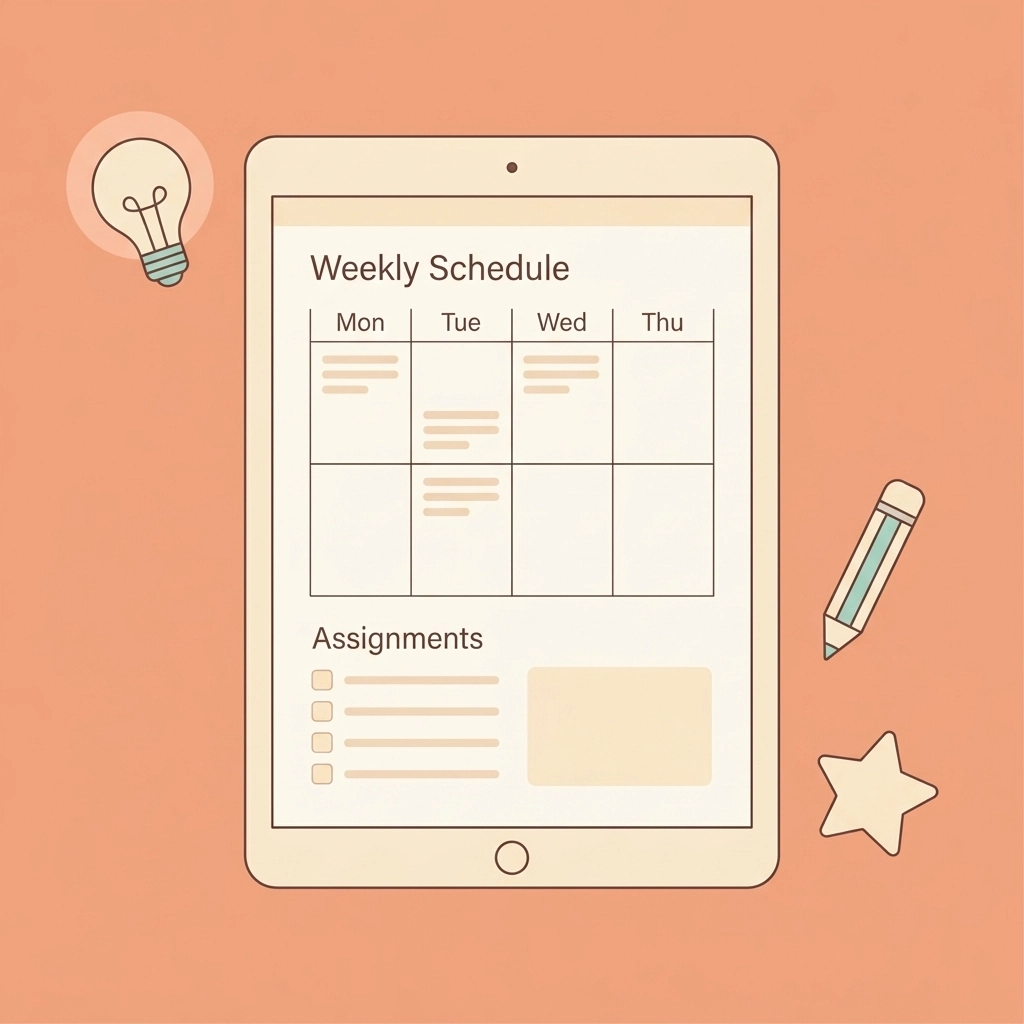
- Save your back: Replacing several heavy notebooks and a thick planner with one slim tablet can significantly lighten your backpack.
- Infinite space: You will never "run out of pages" or have to cram your notes into tiny margins again.
10. Join a Community for Resources and Support
Planning is a skill that you can improve over time. You don't have to figure it all out on your own. At Learning With Angie, we provide the tools and advice you need to navigate the full student experience.
- Biweekly Tips: Join our community to receive fresh study hacks and productivity strategies directly in your inbox.
- Actionable Tools: From essay structure help to college search timelines, we have the resources you need to succeed.
Ready to become the most organized version of yourself?
Digital planning isn't just about moving your to-do list to a screen; it’s about creating a system that supports your goals, reduces your stress, and helps you thrive. Start small, pick a platform you love, and watch your productivity soar.
Join The Community today for more honest, unfiltered advice on student success and personal growth!
Want a head start? The Ultimate Student Planner in my shop was made for exactly this — it’ll save you a ton of time.