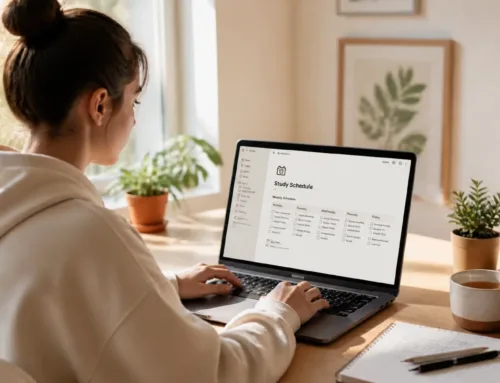
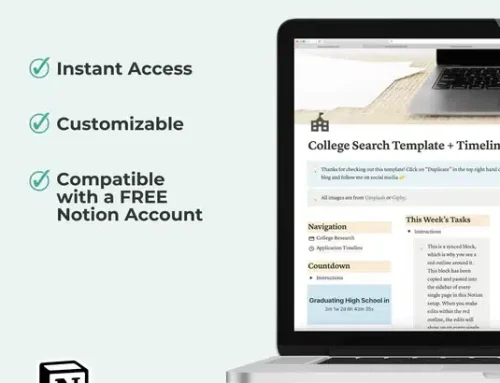
Do you ever look at a long, text-heavy to-do list and feel your brain immediately shut down? If you’re a visual learner, traditional productivity systems often feel like they’re written in a language you don't speak. You don't just need to know what to do; you need to see how your time, your tasks, and your ideas fit together in a physical or digital space.
Ready to stop feeling overwhelmed and start seeing your success clearly?
By combining the scheduling power of Google Calendar, the database organization of Notion, and the free-form creativity of Miro, you can build a productivity stack that matches exactly how your brain works. This isn't just about "getting things done": it's about creating a visual ecosystem that reduces stress and amplifies your focus.
Google Calendar: Mapping Your Time With Color
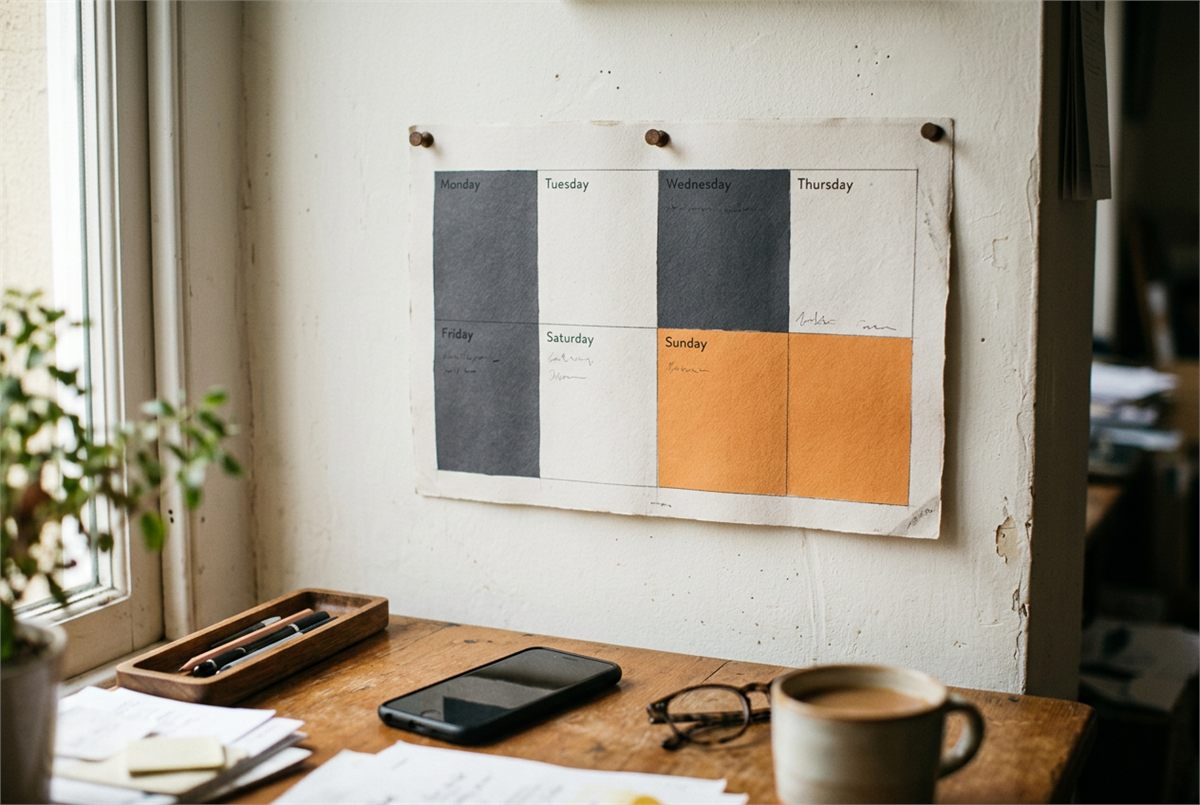
For a visual student, time shouldn't be an abstract concept: it should be a landscape. Google Calendar is the best tool for this because it allows you to "paint" your week. Instead of a list of appointments, you see blocks of energy and opportunity.
- Time Blocking for Clarity: Use specific colors for different areas of your life (e.g., Blue for classes, Orange for study sessions, Green for personal time). This allows you to glance at your week and immediately gauge your workload.
- Visual Deadlines: Don't just list a due date; create a "Deadline" calendar in a bright, urgent color like Red. Seeing that red block at the top of your day creates a visual cue that keeps you on track.
- Buffer Zones: Are you over-scheduling yourself? Visualizing your day helps you see the "white space." Ensure you leave gaps between intense study sessions to avoid burnout.
If you prefer a physical backup for your digital mapping, check out our undated monthly planner printable to help bridge the gap between your screen and your desk.
Notion: The Visual Command Center

If Google Calendar tells you when to work, Notion tells you what you’re working on. Notion is essentially a "second brain" that you can customize to look exactly how you want. For visual students, the "Gallery" and "Board" views are absolute game-changers.
- Gallery Views for Courses: Instead of a simple list of classes, create a Gallery View with beautiful cover images for each subject. It makes opening your school dashboard feel like entering an organized, inspiring workspace.
- Kanban Boards for Tasks: Move your assignments through stages like "To Do," "In Progress," and "Done." There is a deep psychological satisfaction in visually dragging a card from one column to the next.
- Centralized Resource Hub: Keep your syllabus, lecture notes, and research links in one visual page. No more hunting through messy folders or loose papers.
Want to streamline your academic setup even further? Our high school four-year plan template is a perfect example of how visual structure can make long-term goals feel achievable.
Miro: The Infinite Canvas for Deep Thinking
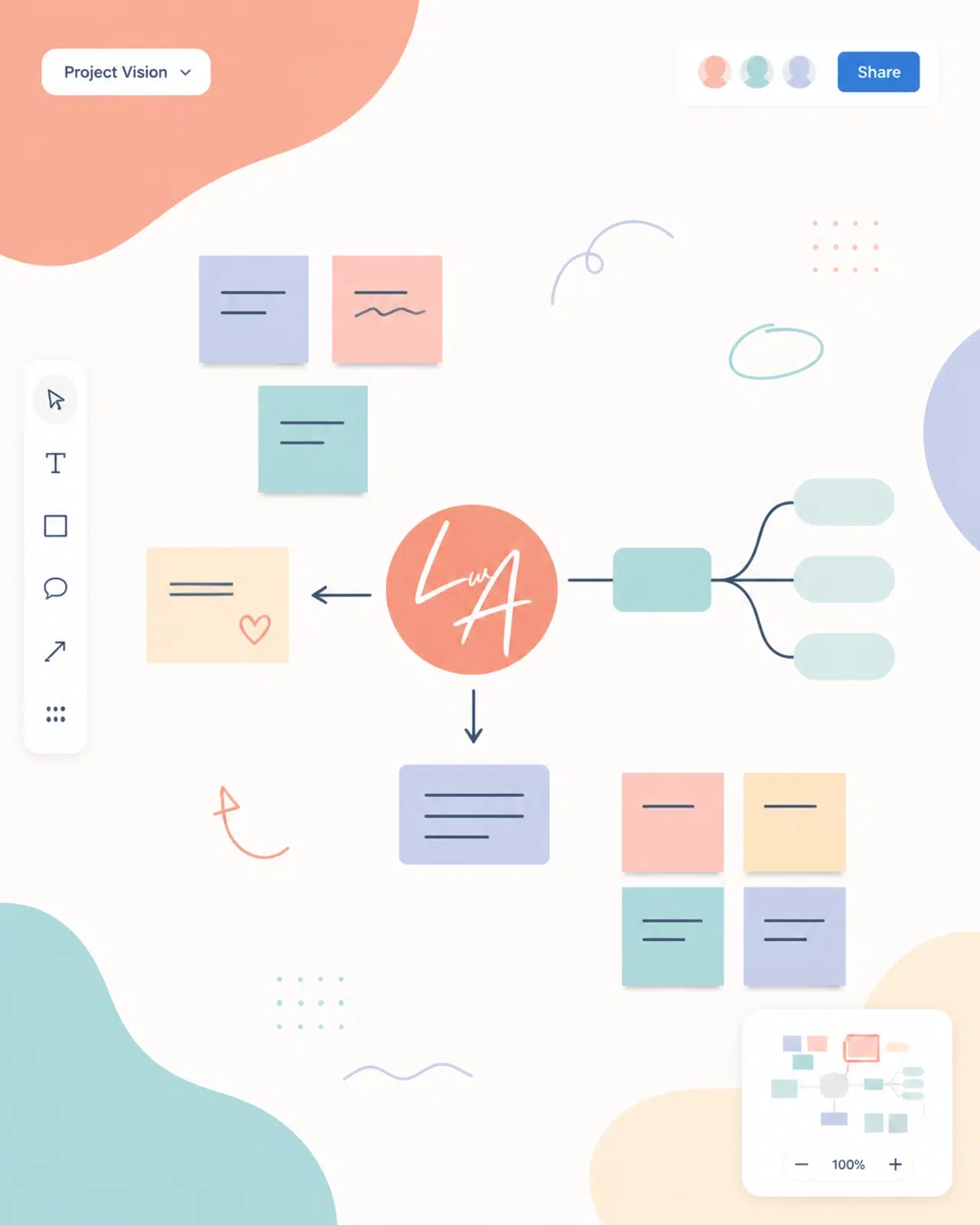
Sometimes, a structured database like Notion is still too restrictive. This is where Miro comes in. Miro is an infinite digital whiteboard that lets you map out complex ideas without the constraints of lines or cells.
- Mind Mapping Complex Topics: Struggling to understand how different historical events or scientific concepts connect? Use Miro to draw a Mind Map. Use shapes, colors, and arrows to visually represent the relationships between ideas.
- Project Planning: Use Miro’s "Sticky Note" feature to brainstorm essay points or project phases. You can move these digital stickies around until the logic of your project finally "clicks" visually.
- Visual Goal Setting: Create a vision board or a "Semester Roadmap" that you can zoom in and out of. Seeing the "Big Picture" prevents you from getting lost in the daily grind.
Miro is the "playground" of your productivity stack: it’s where the messy, creative work happens before it gets turned into a schedule in Google Calendar or a database entry in Notion.
The Synergized Workflow: Putting It All Together

Using these tools individually is great, but the real magic happens when you integrate them. Here is a simple, effective workflow you can implement immediately:
- Capture in Miro: When you start a new project, head to Miro. Brainstorm, draw, and map out the essential components of the task.
- Organize in Notion: Once your plan is clear, break those Miro sticky notes into actionable tasks in your Notion database. Link your Miro board directly in your Notion page so you can jump back and forth with one click.
- Schedule in Google Calendar: Look at your Notion tasks for the week and time-block them into your Google Calendar. This ensures you have a dedicated space in your day to actually execute the work.
By following this flow, you move from abstract idea (Miro) to structured plan (Notion) to protected time (Google Calendar).
Essential Tips for a Minimalist Setup
To keep your visual stack from becoming cluttered and overwhelming, follow these simple guidelines:
- Limit Your Palette: Choose a consistent set of 5-6 colors and use them across all three platforms. This creates a cohesive visual language for your brain.
- Use High-Impact Icons: In Notion and Miro, use icons to represent different types of work (e.g., a 🎓 for school, a 💡 for ideas).
- Review Biweekly: Every two weeks, take ten minutes to clean up your boards and calendars. Archive completed projects to keep your digital environment streamlined and fresh.
Ready to become the most organized version of yourself? Before you dive into the digital tools, make sure your physical environment is just as prepared. Check out our essential college school supplies list to ensure you have the right analog tools to support your digital workflow.
Join The Community
Building a productivity system is a journey, and you don't have to do it alone. If you found these tips helpful and want more actionable advice delivered straight to your inbox, we invite you to Join The Community.
Every two weeks, we share new study techniques, life skills education, and exclusive resources designed to help you navigate student life with confidence. Sign up for our newsletter here and take the first step toward a more organized, less stressful academic experience.
You have the tools, the plan, and the potential. Now, it's time to see what you can achieve.
[CONNECT YOUR STACK] The Visual Student's Integration Guide ($7)
Ready to see your success clearly? This guide shows you exactly how to embed GCal and Miro into Notion for a seamless workflow. Includes 3 aesthetic Miro Mind-Map templates to start your next project.
[Build Your Ultimate Hub]
Want a head start? The All-in-One Student Notion Dashboard 2.0 in my shop was made for exactly this — it’ll save you a ton of time.