How to Choose the Best Student Productivity Stack in 2026 (Compared)
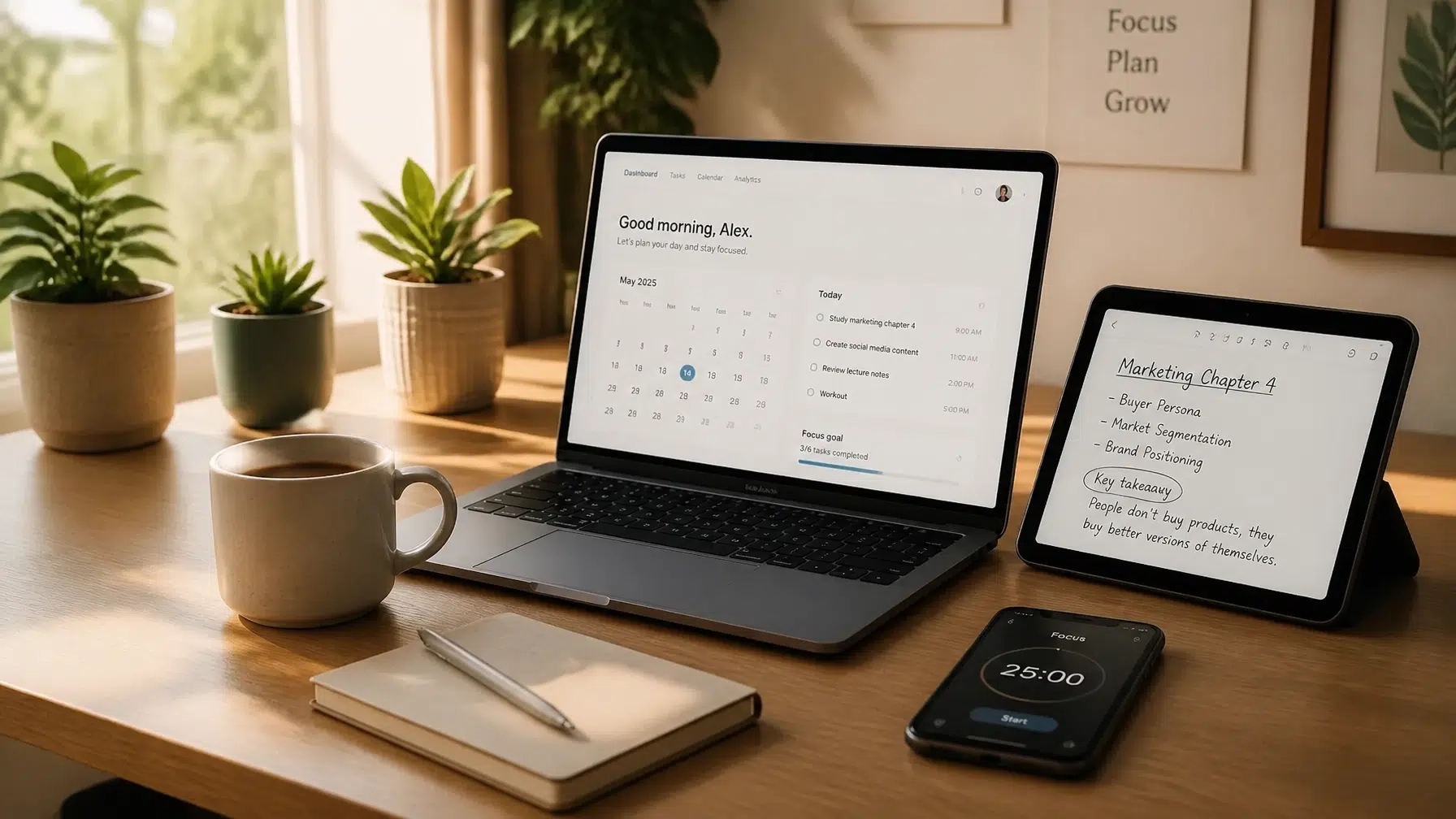
You know that feeling of having twenty tabs open, three different to-do lists, and a calendar that looks like a game of Tetris gone wrong? In 2026, being a student isn't just about showing up to class; it’s about managing an overwhelming stream of digital information. The "productivity stack": the collection of apps and tools you use to get things done: is no longer optional. It is your central nervous system for academic success.
But with thousands of apps claiming to be the next big thing, how do you choose? Are you a minimalist who wants one app for everything, or a power user who loves specialized tools? Ready to find the perfect setup that actually sticks?
In this guide, we’re breaking down the top three student productivity stacks of 2026 to help you reclaim your time and focus on what matters.
Why You Need a System, Not Just an App
Before we dive into the specific stacks, we need to address a common mistake: "app-hopping." You find a cool new app, spend three hours setting it up, and then forget it exists a week later. Sound familiar?
A productivity stack is different because it defines how your tools talk to each other. You need a system that covers three core pillars:
- Time Management: When are you doing it?
- Task Management: What are you doing?
- Knowledge Management: What have you learned?
If your stack doesn't answer these three questions, you’ll constantly feel like you’re falling behind. To really excel, you might also want to look into smart organization tips for students in 2026 to ensure your physical and digital worlds align.
The "Minimalist High-Achiever" Stack
This stack is for the student who wants clarity without the clutter. If you hate jumping between ten different windows, this streamlined setup is designed for you. It relies on a few "heavy hitters" that do their jobs perfectly.

- Google Calendar (GCal): The gold standard for scheduling. Put every class, lab, and exam here immediately. Use color-coding: one color for academics, one for social life, and one for deep study blocks.
- Todoist: This is your task command center. It’s lightweight, works on every device, and lets you "dump" tasks as soon as you think of them.
- Notion: Use this for your course hubs. While Notion can do everything, the minimalist uses it primarily for structured notes and assignment trackers.
The Workflow:
- Check GCal in the morning to see your "hard" commitments.
- Follow your Todoist list for "soft" tasks (homework, errands).
- Open Notion only when it’s time to actually do the work or take notes in class.
By keeping these roles separate, you avoid the "Notion fatigue" of trying to build a complex system when you should just be studying. If you're new to the platform, checking out professional Notion Templates for students can save you hours of setup time.
The "Second Brain" Stack for Deep Learners
Are you a student in a heavy research field? Or maybe you just love the idea of building a massive digital library of everything you’ve ever learned? The "Second Brain" stack is built for long-term knowledge retention.
- Obsidian: The heart of this stack. Unlike traditional note apps, Obsidian uses "backlinks" to connect ideas. If you’re studying Psychology and Biology, you can link concepts between them to see the bigger picture.
- Notion: In this stack, Notion handles the logistics. Use it for your scholarship applications, job hunting, and group projects. It’s the "project manager" while Obsidian is the "thinker."
- Anki: The ultimate tool for spaced repetition. Anki uses AI-driven algorithms to show you flashcards exactly when you’re about to forget them. It’s essential for medical students, language learners, and anyone facing high-stakes exams.
The Workflow:
- Take lecture notes in Obsidian using effective note-taking techniques.
- Convert key facts from those notes into Anki cards.
- Manage the "due dates" and group files in Notion.
This stack has a steeper learning curve, but it’s the most powerful way to ensure you actually remember what you study four years from now.
The "AI-Native" Efficiency Stack
Welcome to 2026, where AI isn't just a gimmick: it’s an assistant. This stack is for the student who wants to streamline the busy work and spend more time on critical thinking.

- Notion AI: Use the built-in AI to summarize long readings, extract action items from meeting notes, and generate practice quiz questions based on your own notes.
- Google Calendar: Still the king of time, but in this stack, you use it with AI scheduling assistants to automatically find the best "focus time" in your day.
- Forest: A focus app that helps you stay off your phone. As you focus, you grow a digital tree. If you leave the app to check TikTok, your tree dies. It’s a simple, effective way to gamify your concentration.
The Workflow:
- Paste a long PDF reading into Notion.
- Ask Notion AI to "Summarize this into 5 key takeaways and 3 practice questions."
- Set a Forest timer for 50 minutes of deep work.
- Review the AI-generated summary and then dive into the actual text with a better understanding.
This stack is about working smarter, not harder. It leverages aesthetic study websites and AI tools to remove the friction from starting a difficult task.
Comparison Breakdown: Which One Fits You?
Still not sure which direction to go? Let’s look at the "Essential Four" factors:
| Feature | Minimalist Stack | Second Brain Stack | AI-Native Stack |
|---|---|---|---|
| Learning Curve | Very Low (Easy start) | High (Needs setup) | Medium |
| Best For | Daily tasks & clarity | Research & retention | Speed & automation |
| Main Apps | GCal, Todoist, Notion | Obsidian, Notion, Anki | Notion AI, GCal, Forest |
| Ideal Student | High School / General College | Grad Student / STEM | Tech-savvy / Busy bees |
Ready to choose? Ask yourself: What is my biggest bottleneck right now?
- If you're disorganized, go Minimalist.
- If you're forgetting information, go Second Brain.
- If you're overwhelmed by volume, go AI-Native.
Essential Add-ons for Every Stack
No matter which digital stack you choose, your physical environment matters. You can have the most advanced AI in the world, but if you’re staring at a wall for four hours, you won't get far.
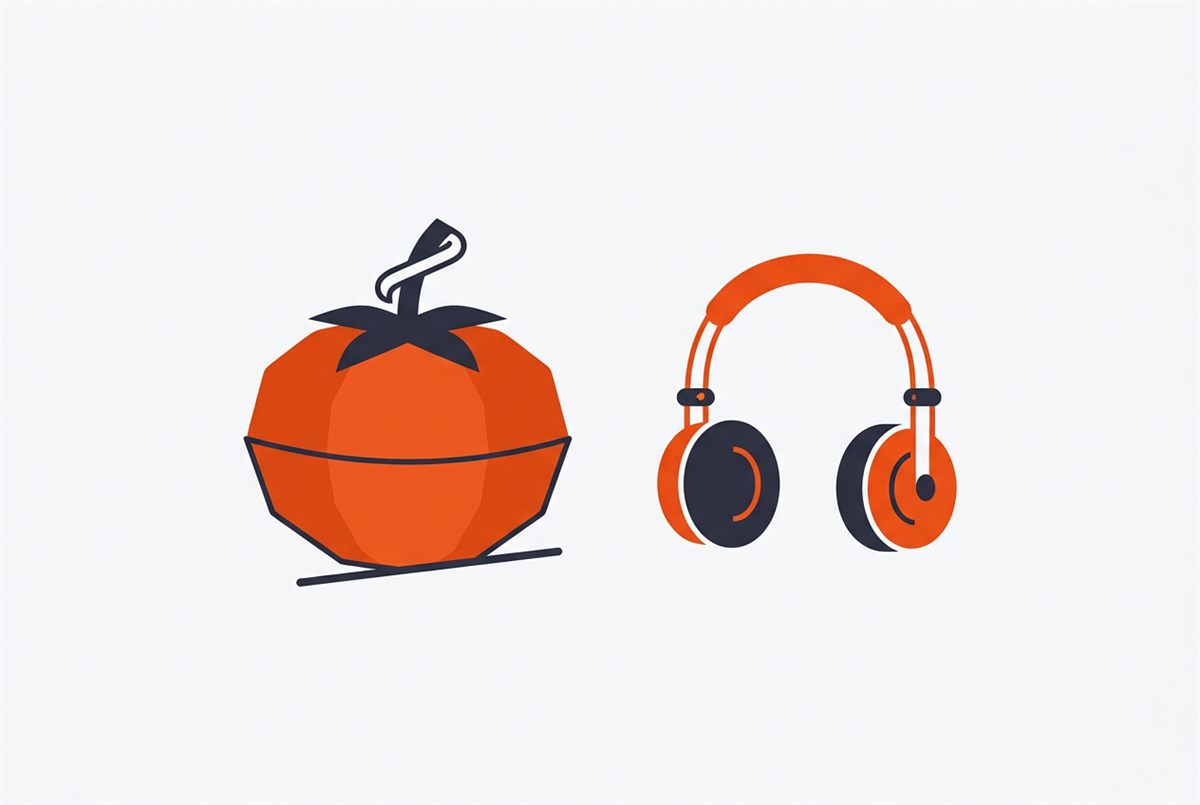
- Aesthetic Study Timers: Whether it's a physical Pomodoro timer or an aesthetic online timer, having a visual representation of time is a game-changer.
- Digital/Physical Hybrid: Sometimes, writing things down by hand is the best way to process complex emotions or brainstorm. Pair your digital stack with a daily reflection journal to stay grounded.
- The Power of Connection: Don't study in a vacuum. Use your stack to create study groups and collaborate. Productivity is often a team sport.

End App-Hopping with a Simple Starter Kit
If you’re tired of switching apps every other week, this is for you. The Productivity Stack “Quick-Start” Kit ($7) helps you build a setup you can actually stick with without wasting hours on trial and error.
- Get a clear starting point to choose tools that fit your workflow
- Streamline your setup so your calendar, tasks, and notes work together
- Save time fast with a simple system designed for student life
- Stop overthinking your stack and start using it consistently
Join The Community
Choosing a productivity stack is a journey of self-discovery. You’ll try things, break things, and eventually find the "flow" that makes your brain happy.
Ready to become a better student?
Join our community for biweekly emails filled with honest advice, tested resources, and the latest tools to help you stay organized and inspired. Whether you're a high schooler prepping for the SATs or a college senior eyeing graduation, we’re here to help you succeed.
Join The Community & Get Your Free Success Guide
Want a head start? The Ultimate Student Planner in my shop was made for exactly this — it’ll save you a ton of time.