Why Everyone Is Talking About AI Study Planners (And How to Use Them to Save 5 Hours a Week)

Does your to-do list ever feel like a never-ending monster that keeps growing no matter how many tasks you check off? You sit down to study for your Chemistry midterm, but then you remember your English essay is due Friday, and suddenly you’re staring at your calendar for 20 minutes just trying to figure out what to do first.
This "planning paralysis" is one of the biggest time-wasters for students today. But what if you had a personal assistant that could look at your syllabus, your extracurriculars, and your sleep schedule, and then tell you exactly what to work on and when?
That’s why everyone is talking about AI Study Planners. These aren't just digital calendars; they are productivity powerhouses designed to automate the heavy lifting of organization. If you're ready to reclaim your weekend and stop stressing over deadlines, here is how you can use AI to save at least five hours every single week.
What Exactly Is An AI Study Planner?
Traditional planners: whether paper or digital: are "passive." They hold the information you give them, but they don't help you manage it. An AI study planner is "active." It uses predictive analytics and natural language processing to understand your workload and move tasks around based on your real-life availability.
Think of it as the difference between a map and a GPS. A paper planner is the map; it shows you where things are, but you have to figure out the route. An AI planner is the GPS; it sees the traffic (your upcoming exams), calculates the fastest route, and redirects you if you hit a roadblock (like an unexpected soccer practice).
5 Ways AI Planners Save You 5+ Hours Every Week
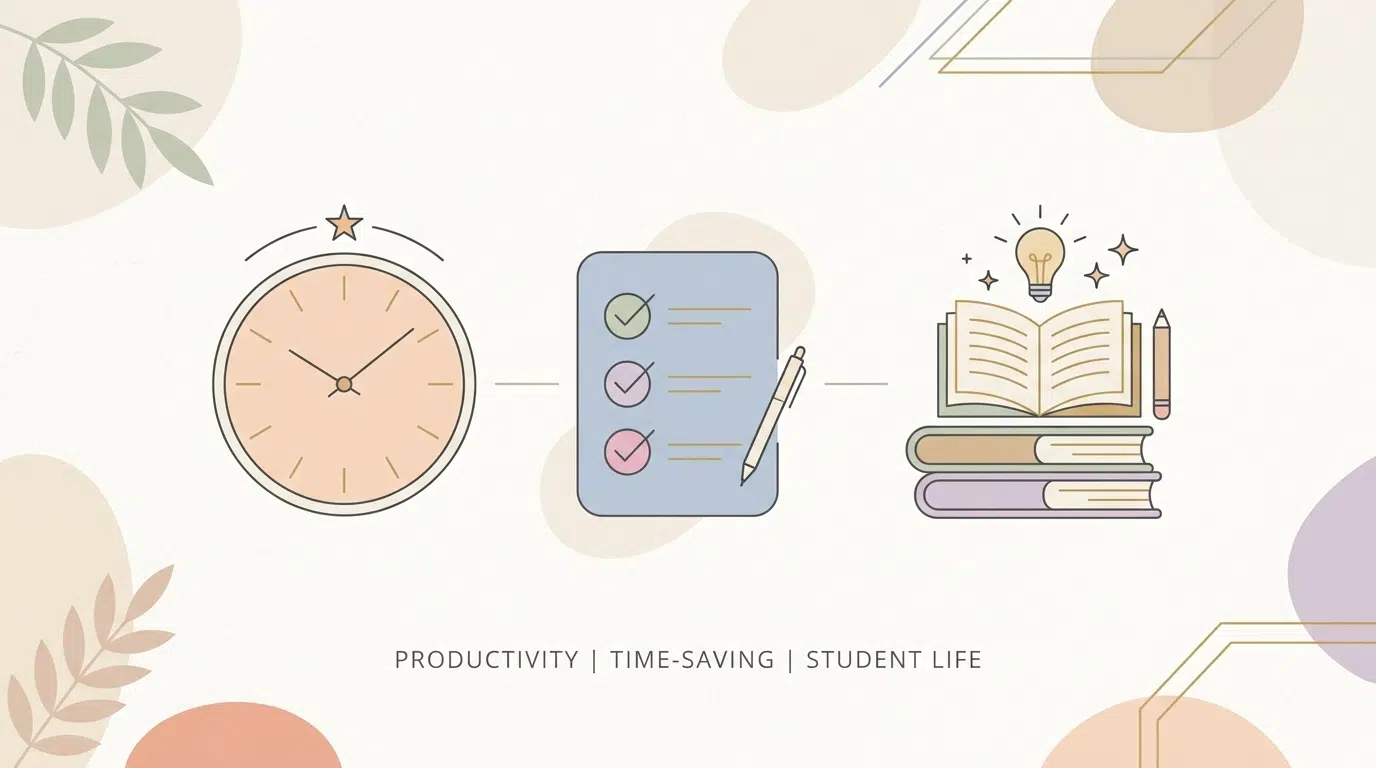
Saving five hours a week sounds like a bold claim, but when you look at how much time we lose to "meta-work" (the work of planning work), the math starts to make sense.
1. Automated "Deep Work" Scheduling
Instead of manually blocking out two hours for "Biology Revision," AI tools like Motion or Reclaim can scan your calendar and automatically slot your tasks into the best available windows.
- The Benefit: You stop wasting 15–30 minutes every morning trying to decide what to do. Over a week, that's nearly 2.5 hours saved just by eliminating decision fatigue.
2. Instant Task Breakdown
One of the main reasons we procrastinate is that a task feels too big. "Write Research Paper" is terrifying. AI planners can take that one big task and instantly break it down into: "Source 5 articles," "Create outline," "Draft Introduction," etc.
- The Benefit: You can dive straight into action rather than spending an hour staring at a blank page.
3. Dynamic Rescheduling (The "Oops" Factor)
Life happens. Maybe a 1-hour math assignment actually takes 3 hours. In a traditional planner, this ruins your whole day. An AI planner detects the delay and instantly reshuffles your remaining tasks to make sure you still hit your deadlines.
- The Benefit: You save the hour you would usually spend frantically erasing and re-writing your schedule when things go wrong.
4. Eliminating the "Syllabus Scavenger Hunt"
Many modern AI planners allow you to upload your course syllabus or a photo of your assignment sheet. The AI extracts the dates, weights, and requirements, and puts them directly into your calendar.
- The Benefit: No more digging through Canvas or Google Classroom for 15 minutes to find a due date.
5. Smart Habit Protection
Do you constantly sacrifice your gym time or hobby time to study? AI planners can be set to "protect" your habits. If you tell the AI you want to go to the gym 3 times a week, it will move your study blocks around those times, ensuring you don't burn out.
- The Benefit: This saves you "recovery time": the hours spent feeling exhausted or unmotivated because your life is out of balance.
Top AI Tools to Revolutionize Your Routine

Ready to try one out? Depending on your study style, different tools will serve you better. Here are the top contenders for 2026:
- Motion: Best for students who struggle with distractions. It uses aggressive time-blocking to make sure you stay on track. If you miss a task, it automatically moves it to the next available slot.
- Reclaim.ai: Ideal for balancing study with life. It’s fantastic at scheduling habits and ensuring you have "buffer time" between intense study sessions.
- Taskade: The best all-in-one workspace. It doesn't just plan; it can generate flashcards, summaries, and practice quizzes based on the notes you put into it. It’s like having a study techniques coach inside your calendar.
- Notion AI: If you already love Notion templates, the built-in AI can summarize your lecture notes and create a task list from your meeting minutes in seconds.
The Learning With Angie Approach to Digital Organization
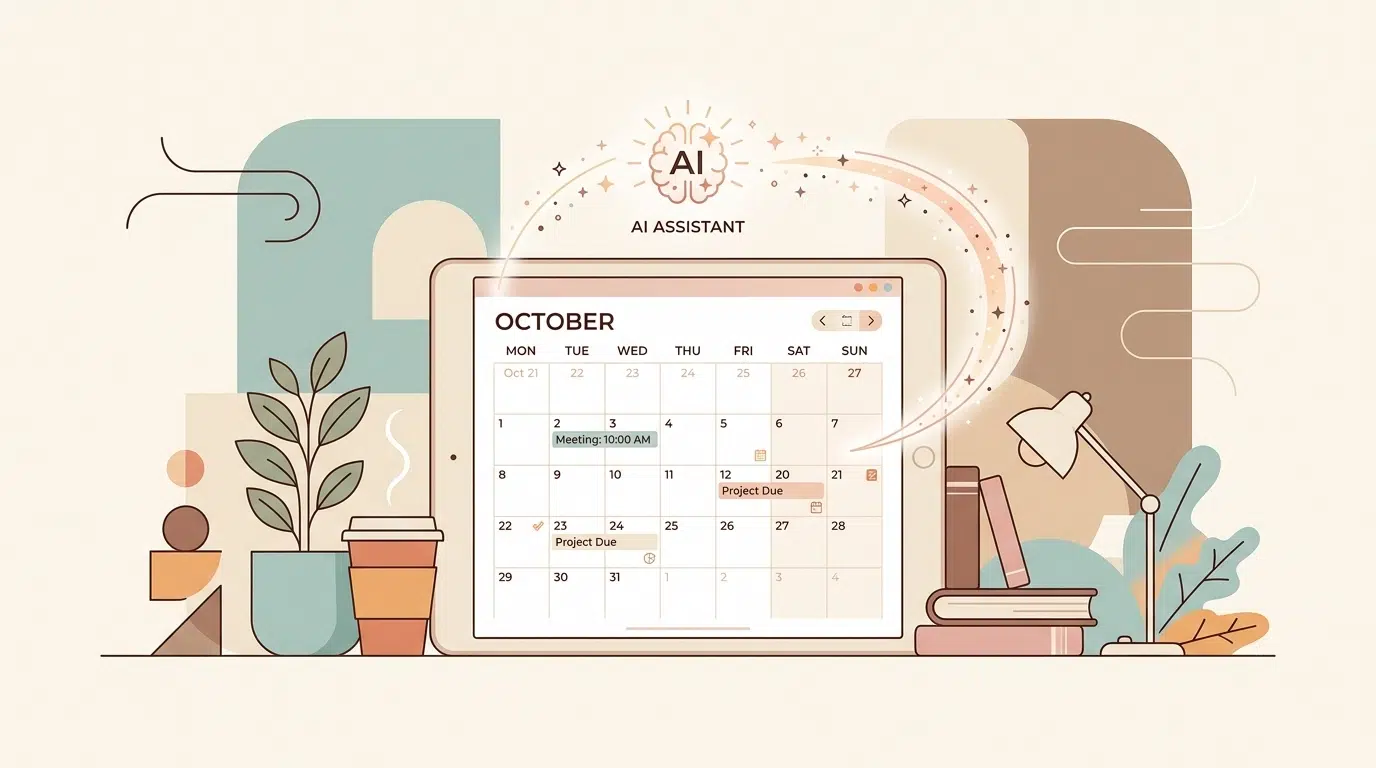
At Learning With Angie, we believe that tools are only as good as the system behind them. While AI can do a lot of the work, you still need a home base for your academic life.
Many of our community members use a "hybrid" approach. They use an AI planner for their daily schedule but keep their high-level goals and research organized in a dedicated system. For example, our Notion College Search Template + Timeline is the perfect companion for an AI tool. While the AI manages your daily homework, our template keeps your long-term college application goals organized and visible.
Are you looking to streamline your workflow? Here are a few essential areas to focus on:
- Centralize Your Data: Don't have notes in three different apps. Pick one (like Notion) and stick to it.
- Sync Your Calendars: Make sure your school calendar, personal calendar, and AI planner are all talking to each other to avoid double-booking.
- Review Biweekly: AI is smart, but it’s not psychic. Spend 10 minutes every twond Sunday reviewing what the AI has planned for the upcoming weeks.
How to Get Started Without Feeling Overwhelmed

You don't need to switch your entire life over to an AI system overnight. In fact, that's a recipe for burnout. Here is a simple 3-step plan to start saving time today:
- Pick ONE Tool: Start with a free version of Taskade or Reclaim. Don't pay for a premium subscription until you’ve used the basic features for at least two weeks.
- Input Your Biggest Project: Don't put your whole life in there yet. Just put in your biggest upcoming exam or essay. Let the AI break it down and schedule it for you.
- Trust the Schedule: For one week, try to follow the blocks the AI gives you. Notice how much less stress you feel when you don't have to decide what to do next.
Ready to become the most organized version of yourself?
Whether you're a high schooler prepping for the SATs or a college student juggling three part-time jobs, AI study planners are the most effective way to enhance your productivity and reduce the mental load of student life.
Join The Community

If you found this guide helpful, you’ll love our biweekly newsletter! We share honest, unfiltered advice on everything from personal growth and financial literacy to the best digital tools for student success.
Ready to level up your study game?
- [Download our free study resources]
- [Explore our Notion Templates for students]
- [Check out more study tips on the blog]
Don't let your schedule run you: start using AI to run your schedule. Your future, less-stressed self will thank you!
Want a head start? The Ultimate Student Planner in my shop was made for exactly this — it’ll save you a ton of time.