Do You Really Need AI for Note-Taking? The Truth About Building a Study Workflow That Actually Sticks
Everyone is talking about AI. From ChatGPT summarizing your lectures to apps that claim to "take notes for you," it feels like the days of cramped hands and highlighters are over. But are they?
While the convenience of having an AI assistant record everything is tempting, there’s a growing gap between capturing information and actually learning it. If your goal is to pass the test, not just have a pretty digital file, you need to know the truth about how your brain actually processes information.
Are you ready to build a workflow that actually gets you the grades you want?
Why Everyone is Talking About AI Note-Takers
Let’s be honest: taking notes by hand is slow. You can’t keep up with a professor who talks at 100 miles per hour, and your handwriting might look like a secret code by page three. This is where AI tools step in to save the day.
AI tools offer some essential benefits for the modern student:
- Total Capture: You never have to worry about missing a key point because you were busy sneezing. The AI records every word.
- Instant Summaries: You can turn a 60-minute transcript into a five-point bullet list in seconds.
- Accessibility: For students with ADHD or auditory processing challenges, AI is a game-changer that reduces the stress of "keeping up."
- Searchability: Finding that one specific quote about "mitochondria" is a lot faster when you can hit Command+F.
The Hidden Cost of "Automated" Learning
If AI is so great, why do students who use it often struggle to remember what they "learned"?
A recent MIT study found a shocking reality: 83% of students who used AI tools to generate content couldn't recall a single sentence of it just one minute later. Meanwhile, students who wrote their own notes retained almost everything.
When you let a machine do the "thinking" (summarizing, organizing, and selecting what's important), your brain goes into passive mode. You aren’t engaging with the material; you’re just a spectator. To truly enhance your retention, you need to do the heavy lifting yourself.

Comparison: AI Tools vs. Manual Note-Taking
To help you decide which method fits your current goals, here is a quick breakdown of how these two approaches stack up.
| Feature | AI Note-Taking | Manual/Handwritten |
|---|---|---|
| Speed | Instant | Slow & Intentional |
| Memory Retention | Low (Passive) | High (Active) |
| Organization | Automated | Manual / Flexible |
| Brain Activity | Minimal | Multi-sensory Engagement |
| Best For… | Meetings & Transcripts | Deep Learning & Exams |
How to Build a Hybrid Workflow That Actually Works
You don't have to choose one or the other. In fact, the most successful students at Learning With Angie use a hybrid system. This combines the high-speed organization of digital tools with the cognitive power of manual writing.
Ready to streamline your study sessions? Here is the blueprint:
- The "Active" Capture: During your lecture, use a notebook to jot down key concepts, diagrams, and questions. This keeps your brain "awake" and forces you to decide what is actually important.
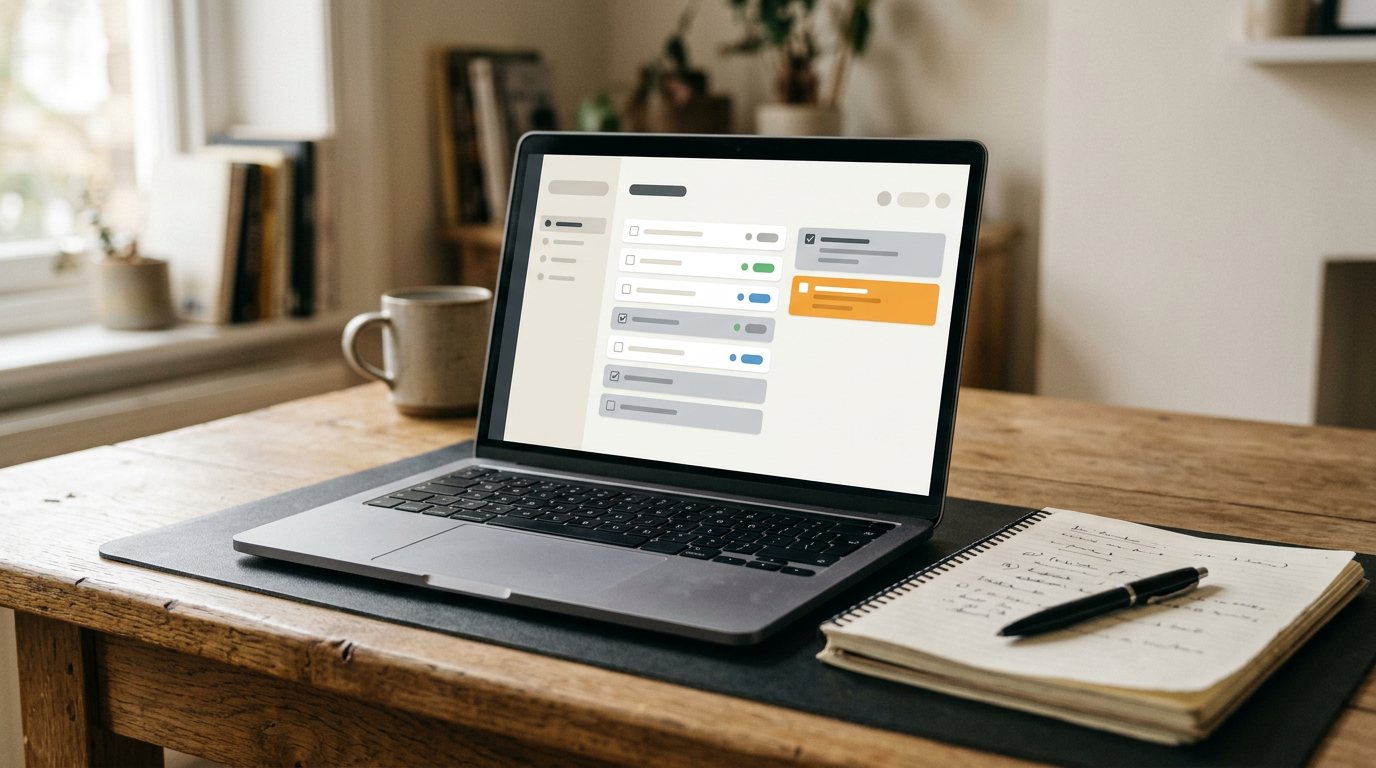
- The "Digital" Hub: Use a tool like Notion to house your "Final" notes. This is where you move your handwritten thoughts into a permanent, searchable home.
- The AI "Reviewer": Use AI after you’ve written your notes. Ask it to quiz you on the material or find gaps in your logic. Don’t let it write the notes; let it test your knowledge.

Essential Tools for Your Success
The biggest struggle with a hybrid workflow is keeping everything organized. If your notes are scattered across three notebooks and five different apps, you're going to feel overwhelmed.
To keep everything in order, we recommend using a structured system that bridges the gap between your life and your academics. Our Notion College Search Template + Timeline is a perfect example of how to centralize your research and tasks so you can focus on the actual work.
Why use a template?
- To make sure you review: Integrated task lists remind you when it's time to turn those raw notes into a study guide.
- To centralize everything: Stop losing your application deadlines and study schedules in a sea of browser tabs.
- To enhance productivity: Pre-built structures mean you spend less time "setting up" and more time "doing."
The Verdict: Do You Need AI?
So, do you really need AI for note-taking?
The answer is: No, but it can be a powerful assistant if you use it correctly.
If you use AI to replace your brain, your grades (and your memory) will suffer. If you use it to support your manual process: by organizing your finished thoughts into a Notion workspace or using it to generate practice questions: you’ll be unstoppable.
Are you tired of feeling like you're studying hard but not seeing the results? It might be time to ditch the "automated" shortcuts and get back to a workflow that actually sticks.
Join The Community
Ready to take your study habits to the next level? Every two weeks, we send out a curated list of study tips, productivity hacks, and resources specifically designed for the modern student.
Join the Learning With Angie community here and get the honest, unfiltered advice you need to succeed.
Check out our other resources like our Forest App Guide to help you stay focused while you build your new note-taking empire.
Want a head start? The Ultimate Student Planner in my shop was made for exactly this — it’ll save you a ton of time.