How Aesthetic Timers Can Actually Help You Study Better – the No BS Guide
You’re scrolling through study Instagram accounts at 2 AM instead of doing that essay that’s due tomorrow.
Sound familiar?
Here’s the thing about aesthetic timers – they’re not just pretty decorations for your study posts. When used right, they can actually help you focus better and get more done. But here’s what nobody talks about: most students use them completely wrong.
This guide will show you how to use aesthetic timers the smart way, backed by real techniques that work.
The short answer: Aesthetic timers work because they make a focus interval something you actually want to look at — but only when the timer is running the session instead of decorating it. Set a real work interval, put the phone face down, and let the timer decide when you stop. The mistakes section below covers where most students lose the benefit.
What Are Aesthetic Timers and Do They Actually Work?
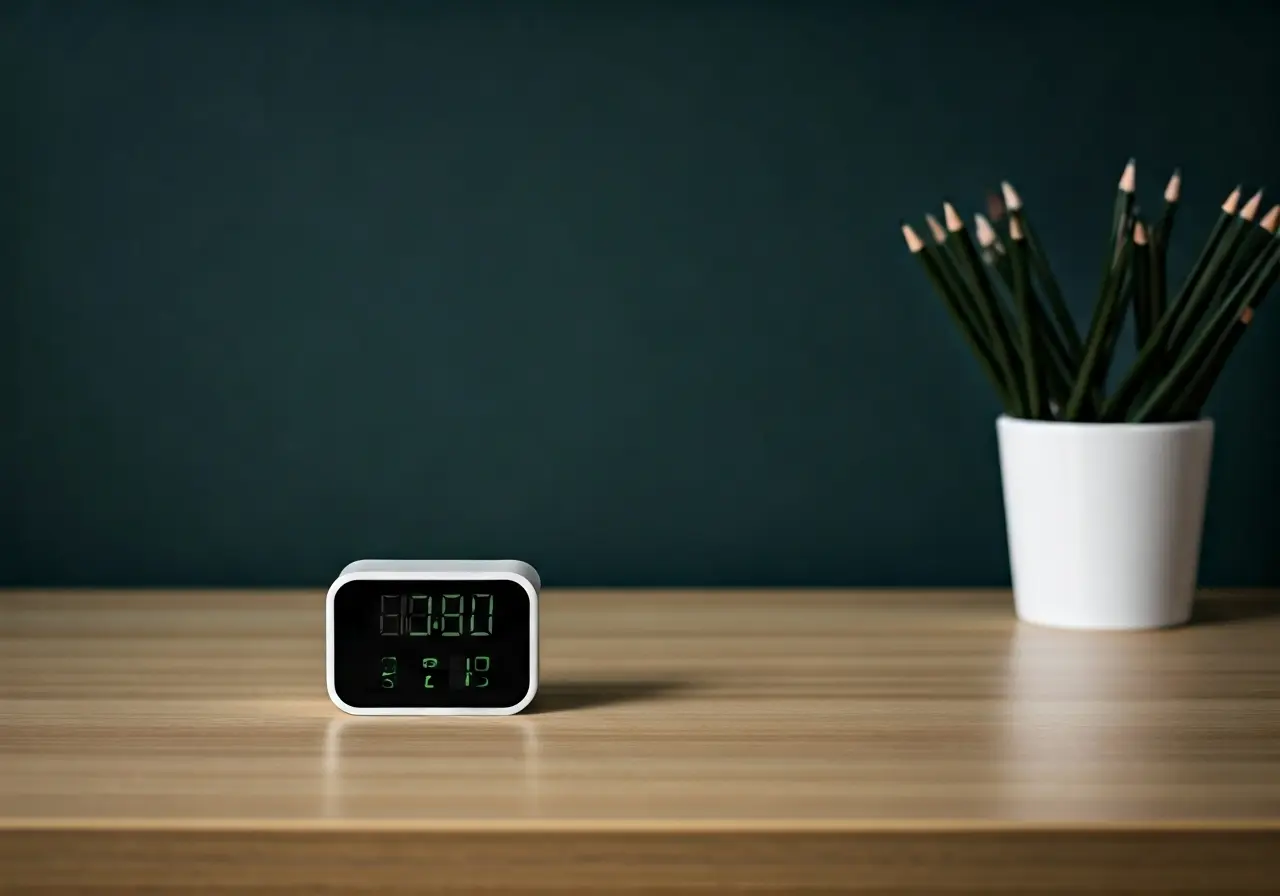
Aesthetic timers are basically regular timers that look good. Think cute digital displays, wooden sand timers, or apps with pleasing designs.
But do they actually help you study better?
The short answer: Yes, but not for the reasons you think.
The Psychology Behind Visual Study Tools
Your brain responds to visual cues. When your study space looks organized and intentional, your mind follows suit. It’s not magic – it’s just how our brains work.
Research shows that cluttered environments can increase stress hormones like cortisol. A clean, organized space with intentional design choices (like a nice timer) can help you feel calmer and more focused.
The key word here is “intentional.” Random pretty stuff won’t help. But a well-chosen timer that fits your study system? That’s different.
8 Proven Ways to Use Aesthetic Timers for Better Study Sessions
Start with the Pomodoro Technique
This is your foundation. Work for 25 minutes, then take a 5-minute break. After four rounds, take a longer 15-30 minute break.
Your aesthetic timer makes this technique visual. You can see exactly how much time you have left, which helps you push through those last tough minutes.
Pro tip: Choose a timer with a clear, easy-to-read display. Fancy doesn’t always mean functional.
Create Your Color-Coded System
Use different colors for different subjects or types of work:
- Red for math/science
- Blue for writing assignments
- Green for reading
- Yellow for review sessions
This isn’t just pretty – it helps your brain categorize information. When you see the blue timer, your mind knows it’s writing time.
Build a Distraction-Free Study Space
Your timer should fit into a clean, organized space. Here’s what actually matters:
- Clear desk surface
- Good lighting (natural light or a decent desk lamp)
- Comfortable chair
- Everything you need within arm’s reach
- Phone in another room (seriously)
Your aesthetic timer becomes the centerpiece of this organized space, not just another piece of clutter.
Try Different Timer Types
Digital timers: Best for precision and multiple alarms
Sand timers: Great for short tasks, very visual
App timers: Good for tracking data and flexibility
Candle timers: Relaxing but not precise
Start with one type and stick with it for at least a week before trying something else.

Use Apps That Actually Help
Good timer apps for students:
- Forest: Plants virtual trees while you focus
- Focus Keeper: Clean Pomodoro timer
- Be Focused: Simple, customizable intervals
Avoid apps with too many features. You want to study, not manage your timer app.
Set Up Your Break Schedule
Your timer isn’t just for work time – use it for breaks too.
During your 5-minute breaks:
- Stand up and stretch
- Drink water
- Look away from your screen
- Do NOT check social media
Set your timer for exactly 5 minutes and stick to it.
Keep It Simple (Seriously)
The fanciest timer won’t fix bad study habits. Start with basic time blocking:
- 25 minutes of focused work
- 5-minute break
- Repeat
Once this becomes automatic, you can add complexity.
Track What Actually Works
Keep a simple log of your study sessions:
- What time you started
- How many Pomodoros you completed
- What you accomplished
- How you felt (energy level 1-10)
After a week, you’ll see patterns. Maybe you focus better in the morning, or you need longer breaks between certain subjects.

Common Mistakes Students Make with Study Timers
Mistake 1: Checking the timer constantly
Fix: Position it where you can see it with a quick glance, not in your direct line of sight
Mistake 2: Setting unrealistic time blocks
Fix: Start with 15-20 minutes if 25 feels too long
Mistake 3: Skipping breaks
Fix: Breaks aren’t optional – they’re part of the system
Mistake 4: Using the timer for everything
Fix: Some tasks (like creative writing) don’t need strict timing
Budget-Friendly Timer Options for Broke Students
- Free phone apps: Forest, Focus Keeper, or your basic clock app
- Kitchen timer: $5-10 at any store, works perfectly
- DIY sand timer: Make your own with two bottles and sand
- Online timers: Pomofocus.io, tomato-timer.com (free websites)
You don’t need to spend $50 on a fancy timer. Function beats form every time.
How to Maintain Your New Timer Habit
Week 1: Just use the timer. Don’t worry about perfect technique.
Week 2: Start tracking your sessions.
Week 3: Adjust your timing based on what you learned.
Week 4: Add any extra features (like color coding) if needed.
The goal is consistency, not perfection.
Wrap It Up
Aesthetic timers work because they make good study habits visible and tangible. But they’re tools, not magic solutions.
Start simple: Pick one timer, use the Pomodoro Technique, and track your results for one week. You’ll be surprised how much more you can get done when you can actually see your progress.
The prettiest timer in the world won’t help if you don’t use it consistently. But a simple, well-chosen timer that fits your study style? That can change everything.
Ready to give it a try? Pick your timer and start your first 25-minute session right now.
FAQs
Q: Do I really need a special aesthetic timer, or will my phone work?
A: Your phone can work, but it comes with distractions. If you use your phone, put it in airplane mode and use a dedicated timer app. A separate timer device removes the temptation to check notifications.
Q: How long should I study before taking a break?
A: Start with 25 minutes (the classic Pomodoro). If that feels too long, try 15-20 minutes. If it feels too short, you can gradually increase to 30-45 minutes, but most people find 25 minutes optimal for sustained focus.
Q: What if I get distracted during my timed study session?
A: Write down the distraction on a piece of paper and return to your work. Deal with non-urgent distractions during your break. If you get seriously off-track, restart the timer – don’t count distracted time as study time.
Want a head start? The Ultimate Student Planner in my shop was made for exactly this — it’ll save you a ton of time.