Highlighting every sentence feels like studying, until you flip back through the chapter and realize none of it stands out. If the whole page is yellow, the page has basically become one giant warning sign.
When you annotate textbooks with a simple system, you give yourself useful clues for later review and recall instead of creating a colorful blur. You don’t need fancy supplies, multiple highlighters, or an hour per page.
The goal is to make your future review session easier, not to turn your textbook into modern art.
This post may contain affiliate links. If you make a purchase through these links, I may earn a small commission at no extra cost to you.
Key Takeaways
- Mark only high-value ideas, especially points you’d struggle to explain without the book open.
- Write short margin notes and summaries in your own words, even if they sound a little messy.
- Use one highlight color and a few repeatable symbols instead of a complicated color-coding system.
- Keep rented, library, or shared textbooks clean with sticky notes, page tabs, or a separate notebook.
- Turn annotations into review questions or flashcards before a test.
How to Annotate Textbooks for Actual Learning
Annotation isn’t copying your textbook into the margins or decorating the page. It’s close reading, an active process where you decide which key concepts matter, record questions, and connect evidence to the author’s point. You may also need to interpret visual aids, such as diagrams or graphs.
That pause matters. A study guide from UNC Learning Center recommends symbols, abbreviations, short summaries, and margin notes. Those small notes give you more to work with than a page full of highlighted definitions.
Mark ideas, not whole paragraphs
Before your highlighter touches the page, ask yourself: “What is this paragraph trying to tell me?”
Say you’re reading a biology section about photosynthesis. You don’t need to highlight six sentences explaining the process. Mark the central idea, such as the phrase explaining that plants convert light energy into stored chemical energy.
Then add a margin note like: “Plants use sunlight to make stored food energy.”
That’s it. Short, clear, and written in language your brain will recognize later.
A highlight shows where, a note explains why
Text highlighting identifies a location. A margin note explains what you found there and why it matters.
Use highlights for:
- A definition your teacher repeats in class.
- A cause-and-effect relationship.
- A formula, date, process, or claim you will need to recall.
- A sentence that answers a heading or learning objective.
Use notes for the thinking part. Write “main cause,” “example,” “compare to last section,” or “Why does this happen?” That little bit of marginalia turns reading into active learning instead of a slow neon parade.
Use a Three-Pass Annotation Method
Trying to preview a textbook chapter, understand it, highlight it, write notes, check your phone, and drink water at once is a lot. No wonder textbook reading can take forever.
A three-pass method gives each job its own moment. It also pairs nicely with the SQ3R note-taking method, which uses previewing and questioning to make reading more active.
Pass one: Preview before you read
Spend two or three minutes previewing the chapter title, headings, bold key terms, charts, maps, images, and other visual aids.
Turn headings into study questions. A heading called “The Causes of the Great Depression” becomes: “What caused the Great Depression?” Now your brain has a job while you read.
Don’t annotate much during this pass. Circle unfamiliar vocabulary if you want, then move on.
Pass two: Read for meaning first
Read one short section without highlighting right away. Reading for meaning first improves reading comprehension and protects reading flow.
Focus on understanding the explanation, not collecting sentences. After a paragraph or two, stop and ask, “Could I explain that to someone else?”
If yes, you may only need one highlight or none at all. If no, reread the tricky passage and write a question mark in the margin.
Eastern Washington University’s annotation steps suggest identifying each paragraph’s point and summarizing it in your own words. That is a much better target than trying to mark every detail on the first read.
Pass three: Add only high-value marks
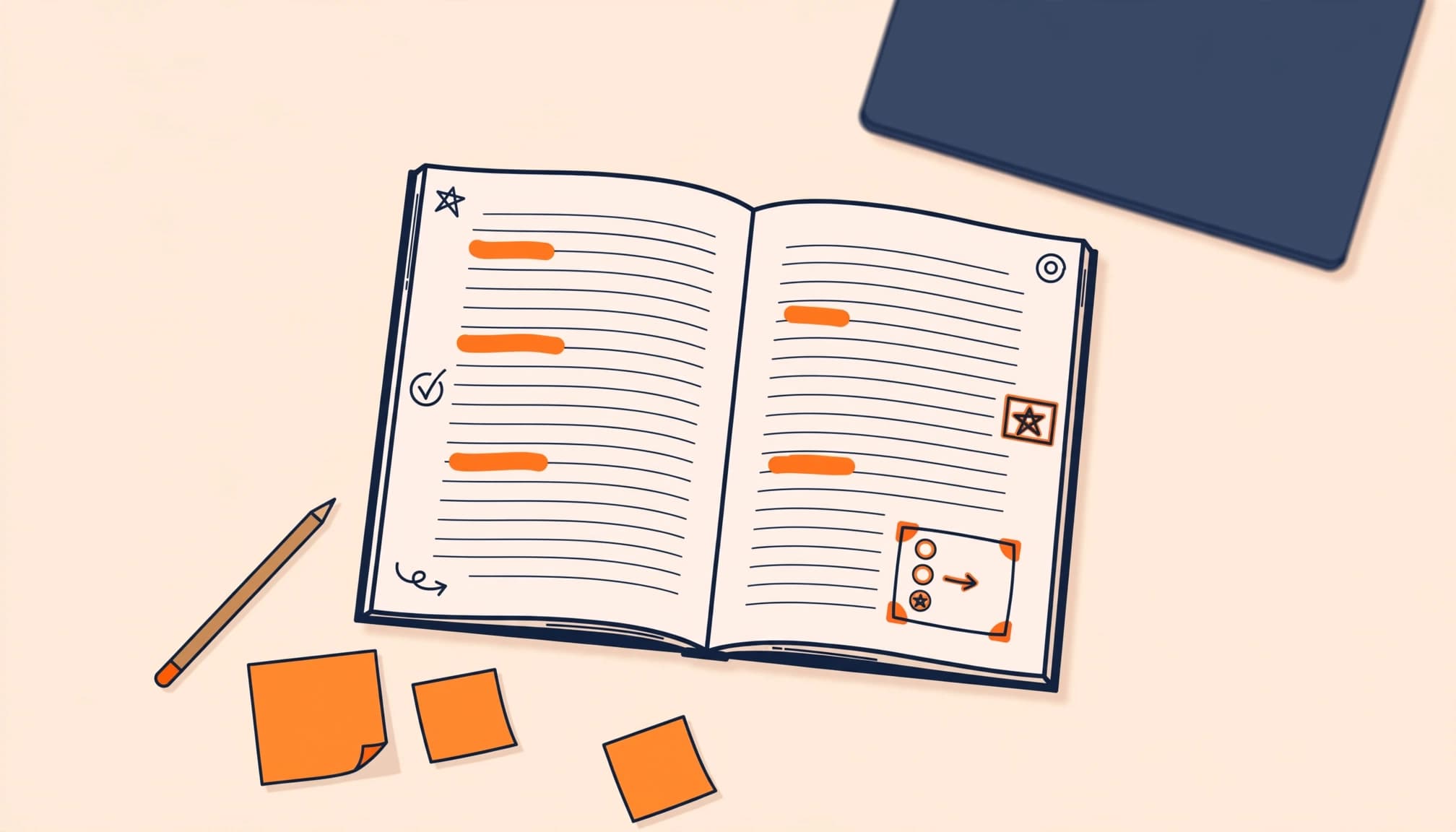
Go back after you understand the section. Highlight the few words or sentences that will jog your memory later.
These selective marks should help you recover the main ideas, not recreate the entire page. For visual aids, ask whether a chart, map, or diagram explains an idea you’ll need later.
For a dense history paragraph, you might highlight one sentence naming the event’s main cause. In the margin, write “economic pressure + political conflict.” If the paragraph gives three examples, bracket them together and label the group “evidence.”
Used consistently, this sequence becomes a repeatable study strategy. The same sequence works for digital note-taking as well as print. You aren’t trying to preserve the whole textbook. You are building a trail back to the ideas you need.
Keep Your Annotation System Almost Boring
A complicated color system sounds fun for about ten minutes. Then you forget whether blue meant “definition,” “example,” or “important thing I panicked about on Tuesday.”
Keep color coding to one main color, not a separate color for every category. Simple wins because you’ll use it consistently.
Pick one color and three symbols
Use highlighters in that one color for key ideas. Add pencil or pen symbols in the margin:
?marks uncertainty, including study questions you need to ask, look up, or review.!marks an important or surprising fact, a test-worthy point, or a major connection.->marks a cause, sequence, or connection between ideas.
Your annotation tools can stay simple: a pencil, one highlighter, and a small ruler or bracket. These limited colors and symbols are visual aids that support recall, not decoration.
You can add a star for your teacher’s favorite topics if that helps, but don’t create a color coding system you can’t remember. Your system should help you think, not require its own instruction manual.
Write a one-sentence section summary
At the end of each textbook section, write one sentence in the margin, on a sticky note, or in your notebook.
For example: “The cell membrane controls what enters and leaves the cell.” For a government chapter: “Checks and balances keep one branch from holding all the power.”
The LibreTexts annotation overview describes annotation as an active learning strategy that helps you isolate and organize important material. A short summary does exactly that. It forces you to choose the point instead of collecting every supporting detail.
If you can’t summarize a section in one or two sentences, you probably need to reread for meaning, not add another highlighter color.
Annotate Without Killing Your Reading Speed
You don’t need to stop after every sentence. Constant interruptions break your reading flow, and a 12-page assignment can eat your entire afternoon.
Read in small chunks, then annotate during natural pauses. Pause after a meaningful section, argument, or diagram, rather than marking every line.
If you notice yourself highlighting faster than you’re thinking, put the highlighter down. Dense academic reading calls for slower rereading, not constant marking. Finish the page, then return to mark one or two ideas you can still remember. What you remember without looking is often what mattered most.
After each chunk, keep your reading notes brief, using a question, cause-and-effect statement, or one-sentence explanation. “Causes inflation,” “contrasts with Locke,” or “test myself on this” is enough. If you prefer digital note-taking, transfer only the most useful notes after reading, rather than switching devices constantly. You are not writing a second textbook in six-point pencil.
When a chapter is especially difficult, use the outline note-taking method after reading to organize it without duplicating the entire book. Put the chapter heading at the top, list the main sections beneath it, and add only the supporting details that clarify each point.
Annotating Books You Cannot Write In
Library books, rented textbooks, and shared copies need a different plan. You can still read actively without marking the page.
Use sticky notes with a clear purpose
Place a small sticky note beside the relevant paragraph, never across it. Write the page number at the top. Add one short summary, question, connection, or page reference.
For example: “p. 84: Supply drops while demand stays high.” If several paragraphs support one idea, use one larger note with a bracket beside the relevant section.
Use sticky notes for one purpose at a time, rather than writing a mini essay on every tab. Vague notes like “important!!!” become confusing fast.
Let page tabs act like chapter signposts
Transparent page tabs work best for finding major sections again. Use them as simple visual aids, not as a substitute for thinking.
Give each tab a purpose before you stick it down. Limit page tabs to formulas, important diagrams, confusing pages, or sections your teacher flagged. A tab on every other page does not save time later. It gives you a tiny paper forest.
Use a separate notebook for borrowed textbooks
Create one page for each textbook chapter. Write the chapter title, page range, three main ideas, and a few study questions you want to answer.
For rented or shared copies, a notebook is safer than loose notes or writing in the book. If you own the book, a commonplace book can hold durable reflections and references for future review.
This approach also works if you love keeping your own books clean. You still get the thinking benefits of annotation while creating a durable record outside the book.
Make Digital Textbook Notes Less Distracting
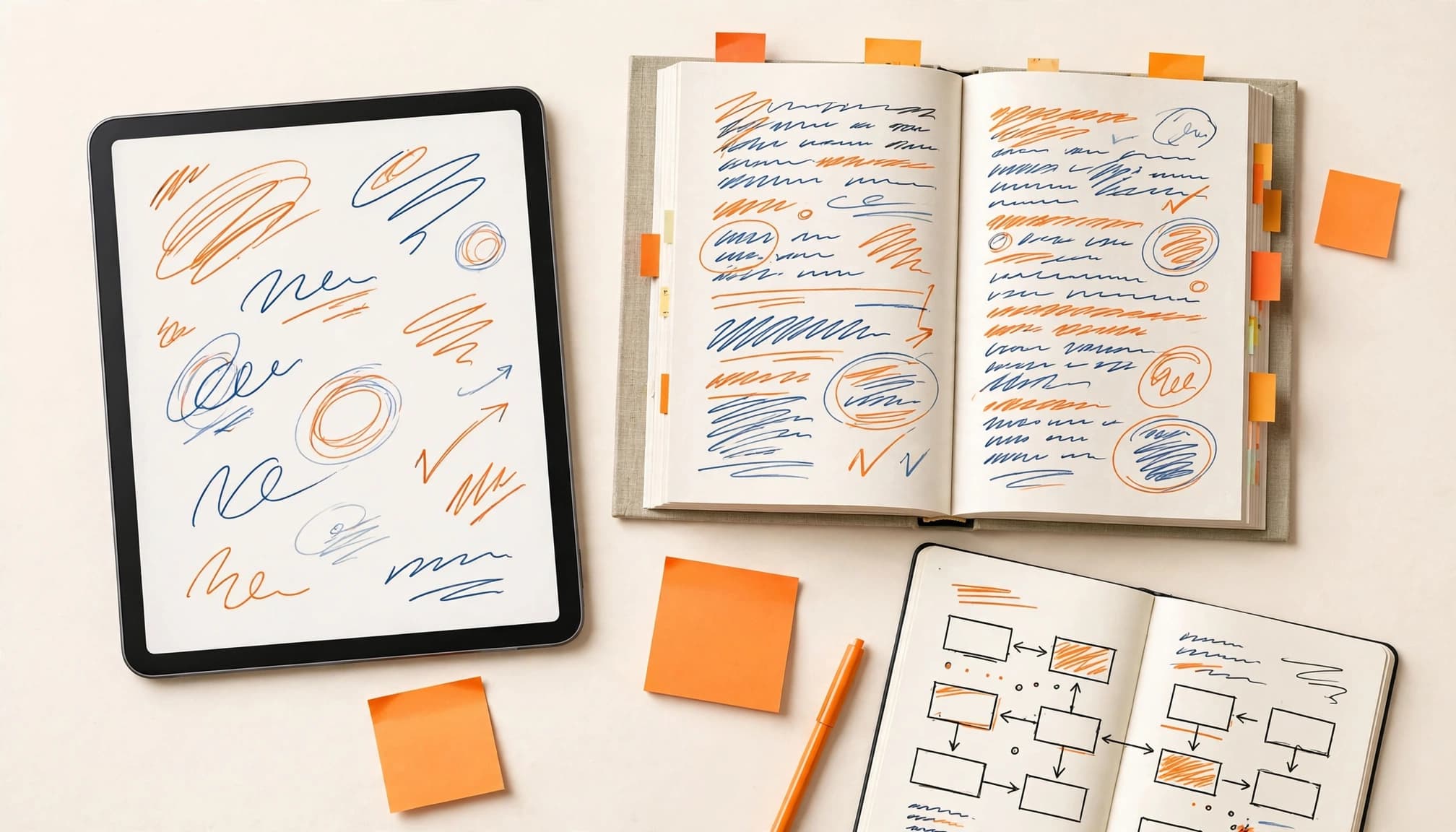
An iPad, Kindle, PDF reader, or digital textbook can work well for digital note-taking. The same rule applies: highlight less, explain more.
Use the built-in highlight tools for key definitions or claims. PDF Expert is one example of a PDF reader. Use PDF Expert’s highlight and comment functions for digital note-taking, marking text and adding context. Keep PDF Expert comments to a question or one-sentence explanation.
Phone notes can be tempting because your phone is already there. They can also turn into an accidental 45-minute scroll through social media. Audio books can support accessibility or preview a chapter, but written notes still matter for formulas, diagrams, and exact terminology. If that happens to you, use sticky notes while reading, then transfer only your chapter summary to a digital notebook later.
A simple physical-to-digital routine for digital note-taking looks like this:
- Use annotation tools to mark key ideas and questions as you read. Save diagrams or charts as visual aids instead of highlighting an entire page.
- Write a short chapter summary in a notebook.
- Review or export those PDF Expert comments, then add only important terms and questions to your flashcards or digital notes.
- Put the textbook away and answer those study questions from memory.
Your device should hold your review materials, not pull you away from the reading.
Turn Annotations Into a Study Guide
Annotations aren’t the finish line. They’re the raw material for review and exam prep.
Build a one-page chapter sheet
After finishing a chapter, use highlights, margin notes, tabs, and reading notes to create one page of study notes. Include the main idea, key concepts, key terms, processes, and study questions you wrote while reading.
Don’t copy every annotation. Choose the pieces that answer, “What would I need to explain on a quiz?”
For longer chapters, divide the page by headings. Add visual aids, such as a labeled process diagram, when they clarify a difficult sequence. The openNCCC active reading chapter also treats brief summaries as part of annotation. Your one-page sheet is where those summaries become useful review material.
Digital note-taking works the same way, with annotations consolidated into the same one-page structure. Export or review PDF comments in PDF Expert before sorting them into key ideas.
Turn notes into retrieval questions
Change statements into study questions you can answer without looking.
Instead of writing “Mitosis creates two genetically identical cells,” write: “What does mitosis produce?” Instead of “Three branches of government,” write: “What is the purpose of separating government into three branches?”
After writing retrieval prompts, turn the strongest ones into flashcards. This sequence supports retention of information because each card tests something you first tried to recall.
This is where active recall starts. Close your notes, answer out loud, and check what you missed. A wrong answer isn’t proof that you’re bad at the subject. It’s simply a sign showing you what to review next.
FAQ About Textbook Annotation
How much should you highlight in a textbook?
Aim for a few short phrases or one key sentence per paragraph at most. Treat this as a limit, not a quota. Some paragraphs need only a margin note, while others contain examples you can skip.
If you can open a page later and spot the main idea in five seconds, you did enough. For books you can’t write in, record the page number and a brief note separately.
What should I write in the margins?
Write questions, short summaries, connections, causes and effects, or reminders to review. Your notes should add meaning instead of repeating the text. Try prompts like, “This explains the graph,” “same idea as Chapter 2,” or “Why did this change?”
For literature and English assignments, look for the author’s message and choices. Ask why a detail, word choice, or rhetorical move is there. Your best annotation usually explains something the sentence leaves unstated.
Is highlighting or annotating better for exam prep?
Highlighting helps you find information again. Annotation helps you understand what that information means. For exam prep, use both, then practice retrieving ideas without the book.
Keep highlights selective and make your notes do the heavier lifting. Turn them into study questions, summaries, flashcards, or talking points for a study session.
Make Every Mark Earn Its Spot
Your textbook does not need more color. It needs better cues.
Read for meaning first, then mark only high-value ideas. Add a short margin note in your own words, and write down honest questions when something needs clarification.
Close the book and test what you can explain. The best annotations give you something useful to recall after reading.