
Best Productivity Apps for Students – Expert Comparison 2025
Staying on top of your studies and life tasks can feel like juggling too many things at once. With so many ways to organize notes, track deadlines, and build better habits, it can be tough to figure out what actually helps day to day. Some tools focus on productivity and planning, while others aim to make learning and organizing easy and even enjoyable. Curious about which simple systems and smart features can actually help you stress less, remember more, and turn good intentions into real results? Keep reading to see how different approaches can shape the way you learn and manage your daily routine.
Table of Contents
Learning with Angie

At a Glance
Learning with Angie is a student-first platform that combines practical study tips, productivity tools, and life-skills guidance to help learners stay organized and motivated. As a dedicated resource for high school students, college students, and lifelong learners, I help you master studying aesthetics, time management, productivity,budgeting, and maintaining a healthy lifestyle. Discover effective strategies and tips to enhance your learning experience and elevate your daily routine. Follow for insightful content that empowers you to achieve your academic goals and embrace a balanced life! Bottom line: it’s an excellent, low-friction hub for students who want actionable routines and attractive, usable templates without paying for expensive coaching.
Core Features
Learning with Angie delivers focused content: study tips and techniques across core subjects, a suite of productivity tools and resources, personal growth and lifestyle advice, life-skills guidance, and a shop offering planners, organizers, and templates. Most material is delivered in blog-format articles and downloadable templates, which keeps the experience lightweight and easy to scan. The site intentionally prioritizes practical, ready-to-use resources over heavy interactive features, making it fast to adopt and simple to integrate into your day-to-day study routine.
Pros
- Provides a wide range of learning and personal development resources, giving students a single place to find both academic techniques and lifestyle advice.
- Offers practical tools like planners and templates that you can download and start using immediately to structure study sessions and deadlines.
- Focuses on holistic student success including mental health and personal growth, helping you balance productivity with wellbeing rather than pushing burnout.
- Community engagement with biweekly emails and tips keeps motivation steady and provides ongoing support without overwhelming your inbox.
- Content is targeted towards students looking to improve their academic and personal lives, which means guidance is tailored and relevant to school schedules and student priorities.
Who It’s For
This platform is ideal for students and young learners who want to improve academic results, organization, and personal growth without committing to paid courses or coaching. If you’re a high school student building better habits, a college student juggling classes and life, or a lifelong learner wanting structured templates and realistic productivity advice, Learning with Angie fits your needs.
Unique Value Proposition
Learning with Angie stands out because it combines polished, student-focused content with immediately usable tools—planners, templates, and productivity frameworks—so learners can act on advice the same day they read it. Unlike larger platforms that scatter tips across dozens of formats, Angie centralizes study aesthetics, time management, budgeting, and healthy-lifestyle guidance in one approachable place. The intentional choice to remain blog- and resource-first keeps costs low and content practical; this design choice favors clarity and adoption over flashy interactivity. The result: a superior, no-friction learning toolkit that supports sustained habit change and looks good on your desk or digital planner.
Real World Use Case
A high school junior finds a science study technique article, downloads a weekly planner template from the shop, and follows the biweekly email habit prompts for six weeks. The student organizes lab reports, schedules focused study blocks, and notices reduced last-minute cramming. Motivation increases; grades stabilize. Small changes. Big difference.
Pricing
Free tier available; products sold separately in the shop.
Website: https://learningwithangie.com
Notion
At a Glance
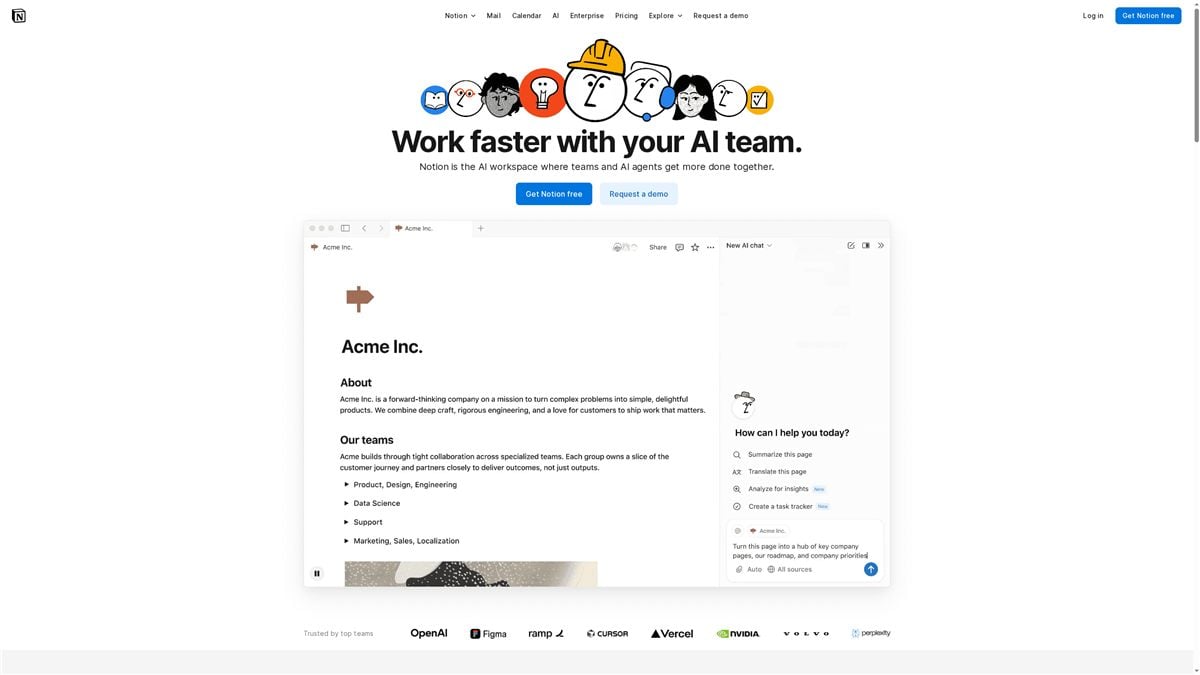
Notion is an AI-powered workspace that combines team collaboration, task management, and knowledge management into one flexible platform. It brings AI automation, advanced search, and customizable agents into a single environment to reduce busywork and speed up routine tasks. For students and teams who want a single place for notes, projects, and shared docs, Notion offers powerful customization—though it can feel complex at first.
Core Features
Notion centers on an AI workspace with automation for busywork, collaborative team and personal agents, and advanced search across pages, messages, files, and the web. You can create custom AI agents that learn how you work and set up workflow automation for projects and repetitive tasks. The result is a single environment where notes, project boards, documentation, and AI helpers live together and interact.
Pros
- AI-enhanced productivity: Notion integrates AI to automate repetitive tasks and reduce manual effort, which helps you focus on learning and creating.
- Highly customizable workspace: The flexible environment lets you design pages, databases, and workflows to match classes, study systems, or team projects.
- Team collaboration built in: Notion supports team spaces and permissions so classmates or project partners can work together without juggling multiple tools.
- Rich integrations and automations: Notion offers a wide range of integrations and automation features to connect your notes and tasks to other tools and processes.
- Trusted at scale: A large user base and adoption by many top teams indicate reliability and a mature product ecosystem.
Cons
- Steep learning curve for new users: The interface’s flexibility comes with complexity, and students may need time to build effective templates and workflows.
- Key features behind paid plans: Many premium capabilities require Plus, Business, or Enterprise subscriptions, which can be a barrier for budget-conscious students.
- Limited free plan uploads: The free tier has restricted file upload sizes, so heavy multimedia projects may quickly hit limits.
Who It’s For
Notion is best for students, study groups, and small teams who want an all-in-one workspace with advanced AI features and deep customizability. If you like designing your own study systems, building shared project docs, or automating routine note-taking tasks, Notion gives you the tools—provided you invest time learning the system.
Unique Value Proposition
Notion stands out by combining AI automation, customizable agents, and powerful cross-page search inside a single, unified workspace. Instead of switching apps for notes, tasks, and documentation, you can create tailored workflows that adapt to how you study and work.
Real World Use Case
A company (or a student project team) uses Notion’s AI workspace to centralize meeting notes, automate follow-ups, manage project tasks, and maintain a shared knowledge base—reducing repetitive admin work and improving clarity across contributors.
Pricing
Starting at Free; Plus ($10/user/month), Business ($20/user/month), Enterprise (custom pricing).
Website: https://notion.so
Todoist
At a Glance
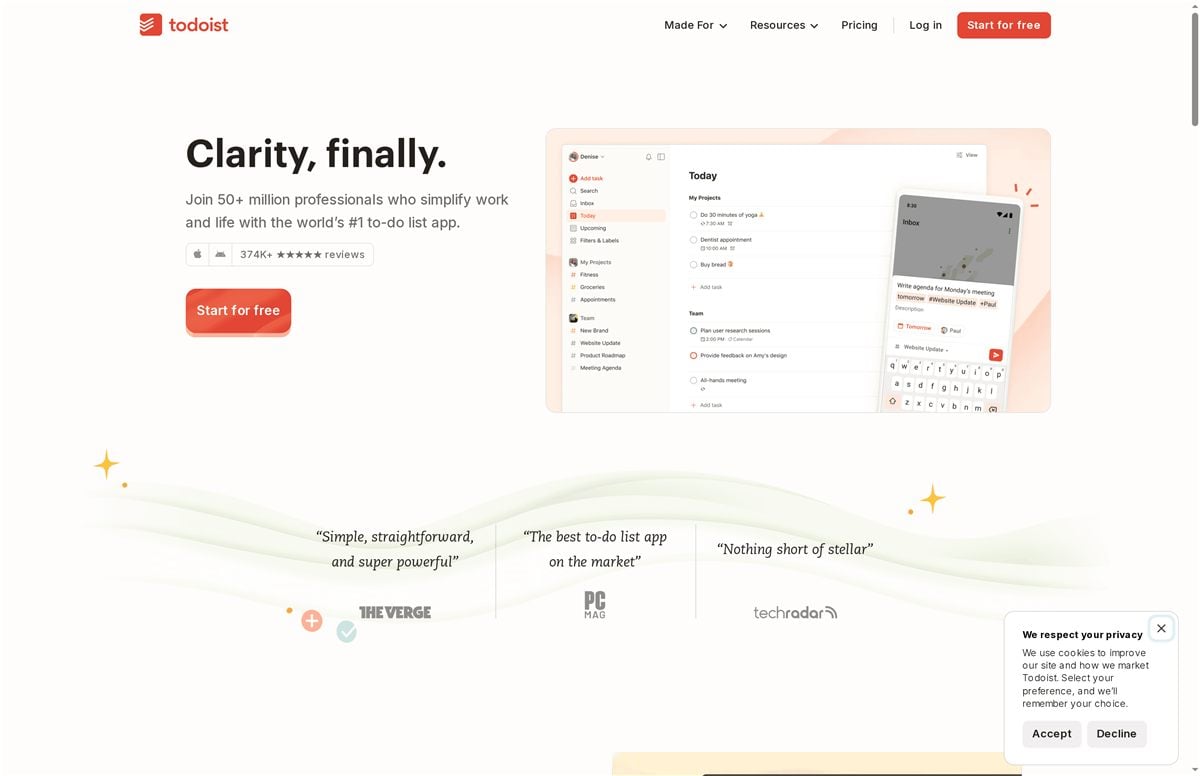
Todoist is a mature, multi-platform to-do list app used by over 50 million people and backed by roughly 18 years of development, designed to help you capture, organize, and prioritize work and life tasks. It excels at quick task capture (including natural-language input), recurring scheduling, and team collaboration while offering deep integrations with calendars and email. If you want a single app that scales from simple daily habits to complex team projects, Todoist is a strong contender. It can feel feature-heavy at first, though — expect a short learning curve.
Core Features
Todoist centers on flexible task capture and organization: natural-language task entry, prioritization with filters and labels, multiple views (list and board), calendar visualization, recurring tasks, and custom reminders. The app supports team collaboration via shared projects and templates, and it integrates with email and calendar clients as well as third-party tools. Newer additions include AI assistance for task management and automation options that help reduce repetitive work. In short: capture fast, plan clearly, and connect workflows across apps.
Short. Practical.
Pros
- Large user base and longevity: With over 50 million users and nearly two decades of development, Todoist benefits from continuous improvements and a mature roadmap.
- Highly customizable organization: Filters, labels, and multiple project views let you tailor the system to study schedules, project workflows, or daily routines without forcing a single method.
- Capable team collaboration: Shared projects and task assignment make it easy for groups to coordinate deadlines and responsibilities.
- Broad integrations and templates: Built-in templates plus integrations with calendars, email, and other apps speed setup and reduce context switching.
- Commitment to privacy and long-term support: The company’s long history and focus on privacy give users confidence in stability and data practices.
Cons
- Subscription cost can be a barrier: Some advanced features are behind paid plans, which may be a stretch for students on tight budgets.
- Key features require payment: Natural-language scheduling, advanced reminders, and some collaboration tools can be limited on the free tier.
- Steeper learning curve for beginners: The depth of customization and the number of features can overwhelm new users who only want a simple checklist.
Who It’s For
Todoist fits individuals and teams who want a powerful, flexible task manager that grows with their needs — from habit tracking and class planning to professional project work. If you value integrations, templates, and the option to move from a personal to a shared workspace, Todoist serves you well. If you prefer ultra-minimal tools, this might feel like overkill.
Unique Value Proposition
Todoist’s unique strength is combining fast, natural-language task capture with deep customizability and reliable collaboration tools, all inside a polished, cross-platform app used by millions. That mix makes it useful whether you’re managing homework, coordinating a group project, or running recurring work workflows.
Real World Use Case
A marketing team uses Todoist to map campaign tasks, assign responsibilities, set recurring content deadlines, and link the calendar to task due dates. Automations reduce repetitive setup, and templates accelerate launching similar campaigns — so teams hit deadlines more predictably and spend less time on admin.
Pricing
Starting at $4 per user/month (Pro). Free plan available with basic features; Business plan from $6 per user/month. Plans are billed yearly with discounts.
Website: https://todoist.com
Evernote
At a Glance
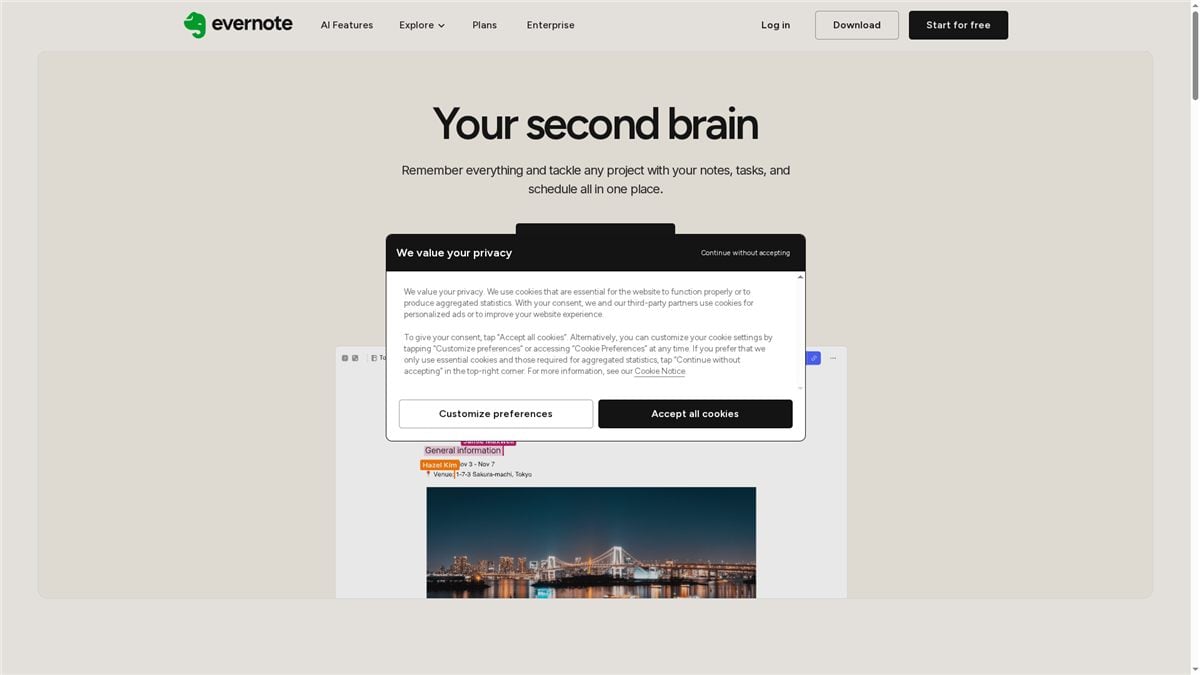
Evernote is a flexible note-taking hub that pulls notes, tasks, calendars, and clipped web content into a single workspace. It’s strong where organization and search matter—think notebooks, spaces, and powerful boolean and geographic search. For students and teams who juggle research, deadlines, and collaboration, Evernote speeds finding and tracking work, though some premium capabilities require a paid plan. Bottom line: a powerful all-in-one note system with thoughtful search and task tools, but watch plan limits.
Core Features
Evernote centers on note organization with notebooks and shared spaces, letting you group class notes, project folders, or research collections. Search goes beyond keywords: boolean and geographic search help you pinpoint notes fast. Built-in task management adds reminders and deadlines that link to notes, and calendar integration ties events to related content. The web clipper grabs articles and snippets from Chrome, Firefox, Safari, and Edge so research lands directly in your workspace. Collaboration tools and AI-powered features round out the suite to boost productivity across desktop, mobile, and web.
Pros
- Versatile note organization options: Notebooks and spaces let you structure information for classes, clubs, or group projects in a way that matches how you study.
- Strong search capabilities: Boolean and geographic search make locating a single line from a long research session surprisingly fast.
- Cross-platform availability: Desktop, mobile, and web access mean you can pick up work on a phone between classes or finish a paper on a laptop.
- Collaboration features for teams: Shared spaces and task assignment help groups coordinate contributions without losing context.
- AI-powered productivity tools: Built-in AI features help summarize and surface relevant notes so you spend less time scrolling and more time doing.
Cons
- Limited free storage in some plans: The free tier exists, but storage and advanced features are restricted unless you upgrade.
- Premium features require subscription: Several productivity boosts—more storage, advanced search usage, and some collaboration perks—sit behind paid plans.
- Complexity in managing multiple plans for enterprise use: Teams with mixed needs may find coordinating licenses and features across plans confusing and time-consuming.
Who It’s For
Evernote fits students and small teams who need an organized, searchable home for notes, research, and task lists. If you value fast retrieval, clipping web content, and tying deadlines directly to notes, Evernote makes those workflows smoother. It’s also useful for lifelong learners who collect articles and want an accessible archive.
Unique Value Proposition
Evernote’s core strength is its search-first approach combined with flexible organization: notebooks, spaces, and advanced search tools turn scattered notes into instantly retrievable knowledge. Pair that with web clipping and calendar linking, and you get a single place to collect, schedule, and act on information.
Real World Use Case
A marketing team uses Evernote to clip competitive research, draft campaign ideas in shared spaces, assign tasks with reminders, and link calendar milestones to content. The result: fewer lost links, clearer ownership, and faster handoffs during campaign sprints.
Pricing
Free tier available; paid plans unlock more storage and advanced features via subscription.
Website: https://evernote.com
Learning and Productivity Tools Comparison
This table provides a comparison of several tools designed to enhance study and productivity workflows. It covers essential features, advantages, disadvantages, suitability, and pricing for each tool.
| Tool | Features | Pros | Cons | Pricing |
|---|---|---|---|---|
| Learning with Angie | Study tips, productivity tools, life-skills advice, planners, templates | Wide range of resources, practical tools, holistic approach to success | Limited interactivity | Free, products sold separately |
| Notion | AI workspace, task management, knowledge management, customizable agents | AI-enhanced productivity, highly customizable, team collaboration | Steep learning curve, premium features require subscription | Free, Plus ($10/user/month) |
| Todoist | Flexible task capture, natural-language input, calendar visualization, AI assistance | Large user base, highly customizable, team collaboration | Subscription cost, free tier limits | Free plan, Pro ($4/user/month) |
| Evernote | Note organization, task management, calendar integration, web clipping | Versatile organization, strong search capabilities, cross-platform availability | Limited free storage, premium features require subscription | Free, paid plans available |
Take Your Student Productivity to the Next Level Today
Struggling to choose the right productivity app to stay organized and motivated? This expert comparison highlights how managing tasks, automating routines, and balancing study schedules can feel overwhelming for students. If you crave practical tools to tackle these pain points and want to build lasting habits without burnout, we have you covered.
Explore actionable strategies and ready-to-use resources designed specifically for learners like you in our Productivity – Learning With Angie collection. Whether you are mastering time management with digital planners or customizing workflows with powerful apps like Notion, our curated content supports your goals. Start optimizing your study sessions now by visiting https://learningwithangie.com/shop/ to find stylish planners, templates, and productivity tools tailored for students.
Begin transforming your daily routine today and stay motivated all semester long. Check out our focused guides for college success at College – Learning With Angie and unlock the tools that can make your academic life easier.
Frequently Asked Questions
What features should I look for in productivity apps for students?
Focus on tools that offer task management, note-taking, and collaboration capabilities. Look for apps that help you organize your study materials, set reminders, and allow you to share notes with classmates, making it easier to manage your workload.
How can productivity apps help me improve my study habits?
Productivity apps can help structure your study sessions by providing templates and planners that keep you organized. Start by using a planner app to schedule your study blocks, and you might see improvements in focus and retention within a few weeks.
Are there free productivity apps available for students?
Yes, many productivity apps offer free tiers that are sufficient for many students’ needs. Explore free versions to find ones that fit your study style and then consider upgrading if you need additional features later.
How do I choose the best productivity app for my needs as a student?
Identify your specific needs, like whether you require task organization, notes, or collaboration features with classmates. Test a few apps that meet your criteria, and aim to evaluate them within the first month to pinpoint what works best for your style.
Can I use productivity apps to manage group projects?
Absolutely! Look for apps that support collaboration features such as task assignments and shared workspaces. Start by creating a shared project list with your team, and you may find it simplifies communication and deadline tracking significantly.
Recommended
- What Tools and Apps Can Improve Productivity for Students?
- 7 Apps to Boost Your Productivity and Achieve Academic Success
- The Best Time Management Tools for Students in 2025: Stay Organized and Stress Less
- 7 Essential Productivity Apps for Businesses to Boost Efficiency – Projector Display
- 7 Essential Time Management Techniques and Tools – Tariq Juneja
Want a head start? If you would rather run one hub than five apps, the Notion Student Command Center pulls classes, tasks and notes together.