
From 1 to 5 Classes: How to Manage Multiple Teachers and Deadlines Effectively
Juggling six classes while meeting deadlines for every assignment is the reality for many American high school students. When everyone expects you to remember every test, paper, and project, stress can build fast. Finding the right time management strategies is vital to stay on track and keep that stress low. Discover practical ways to organize all your classes efficiently, starting with a clear system that more than 58 percent of students say makes a major difference.
Quick Summary
| Key Insight | Explanation |
|---|---|
| 1. Create a Comprehensive Calendar | Gather syllabi, mark key dates, and use digital tools to keep academic responsibilities organized and visual. |
| 2. Organize Class Materials Effectively | Establish digital folders for each class and set up dedicated communication channels to stay prepared and connected. |
| 3. Prioritize Assignments Strategically | Use a master deadline spreadsheet to rank assignments by importance, allowing for efficient workload management. |
| 4. Implement a Weekly Planning Routine | Dedicate a specific time weekly to review commitments, prioritize tasks, and allocate study sessions for better time management. |
| 5. Evaluate Progress and Adjust Strategy | Conduct monthly reviews to assess academic performance, allowing you to adjust your approach based on what works and what needs improvement. |
Step 1: Set Up a Comprehensive Semester Calendar
Preparing a comprehensive semester calendar transforms how you track multiple classes and manage academic deadlines. Your goal is creating a single visual roadmap that keeps all your academic responsibilities organized and easily trackable.
Start by gathering all your syllabi from each class. This means collecting the official documents from every teacher that outline course schedules, major assignment dates, exam times, and project deadlines. Pro tip: Take photos or scan these documents immediately so you always have a digital backup. Next, grab a large wall calendar or digital planning app like Google Calendar where you can color code different classes and track everything in one place.
Begin transferring key dates systematically. Use different colored markers or digital tags for each class to distinguish assignments quickly. The Federal Student Aid Handbook recommends creating a comprehensive academic calendar that provides clarity on your academic periods. Mark not just assignment due dates but also smaller milestones like research paper drafts, midterm prep weeks, and project checkpoints.
Quick Tip: Consider using digital tools like Google Calendar or Microsoft Outlook that allow easy sharing and syncing across devices to keep your semester schedule accessible everywhere.
Here’s a comparison of semester calendar tools to help you choose the best option for organizing your academic schedule:
| Tool Type | Accessibility | Color Coding Features | Sharing Capability |
|---|---|---|---|
| Large Wall Calendar | Physical, single room | Colored markers/stickers | Usually not shareable |
| Google Calendar | Digital, all devices | Custom labels/tags | Sync and share with others |
| Microsoft Outlook | Digital, PC/mobile | Category colors | Share via email/calendar |
Step 2: Organize Class Materials and Communication Channels
Effective organization of your class materials and communication channels will help you stay connected and prepared across multiple classes and teachers. Your mission is to create a streamlined system that makes tracking information simple and stress free.

Start by creating digital folders for each class on your computer or cloud storage platform. Authentic materials research highlights the importance of systematic content organization to enhance student engagement. Within each folder, create subfolders for specific types of documents like assignments, lecture notes, reference materials, and graded work. For communication management, set up a dedicated email folder or label for each class where you can quickly file and find important correspondence.
Next, establish clear communication protocols with your teachers. This means understanding each instructor’s preferred communication method whether that is email, learning management system messages, or office hours. Create a quick reference sheet listing each teacher’s contact information, preferred communication channel, and typical response time. Group communication apps like Slack or Microsoft Teams can also help you stay connected and organized across different classes.
Quick Tip: Use color coding in your digital and physical organization systems to visually distinguish between different classes and reduce mental clutter.
Use this reference table to streamline communication with each instructor for multiple classes:
| Instructor Name | Preferred Channel | Contact Detail | Usual Response Time |
|---|---|---|---|
| Prof. Smith | smith@university.edu | Within 24 hours | |
| Dr. Lopez | LMS messaging | Course platform | Same day |
| Ms. Taylor | Office hours (in-person) | Campus Room 203 | By weekly appointment |
Step 3: Prioritize Assignments and Deadlines Strategically
Mastering the art of assignment prioritization is crucial when juggling multiple classes and teachers. Your goal is to develop a strategic approach that helps you manage workloads effectively without becoming overwhelmed.
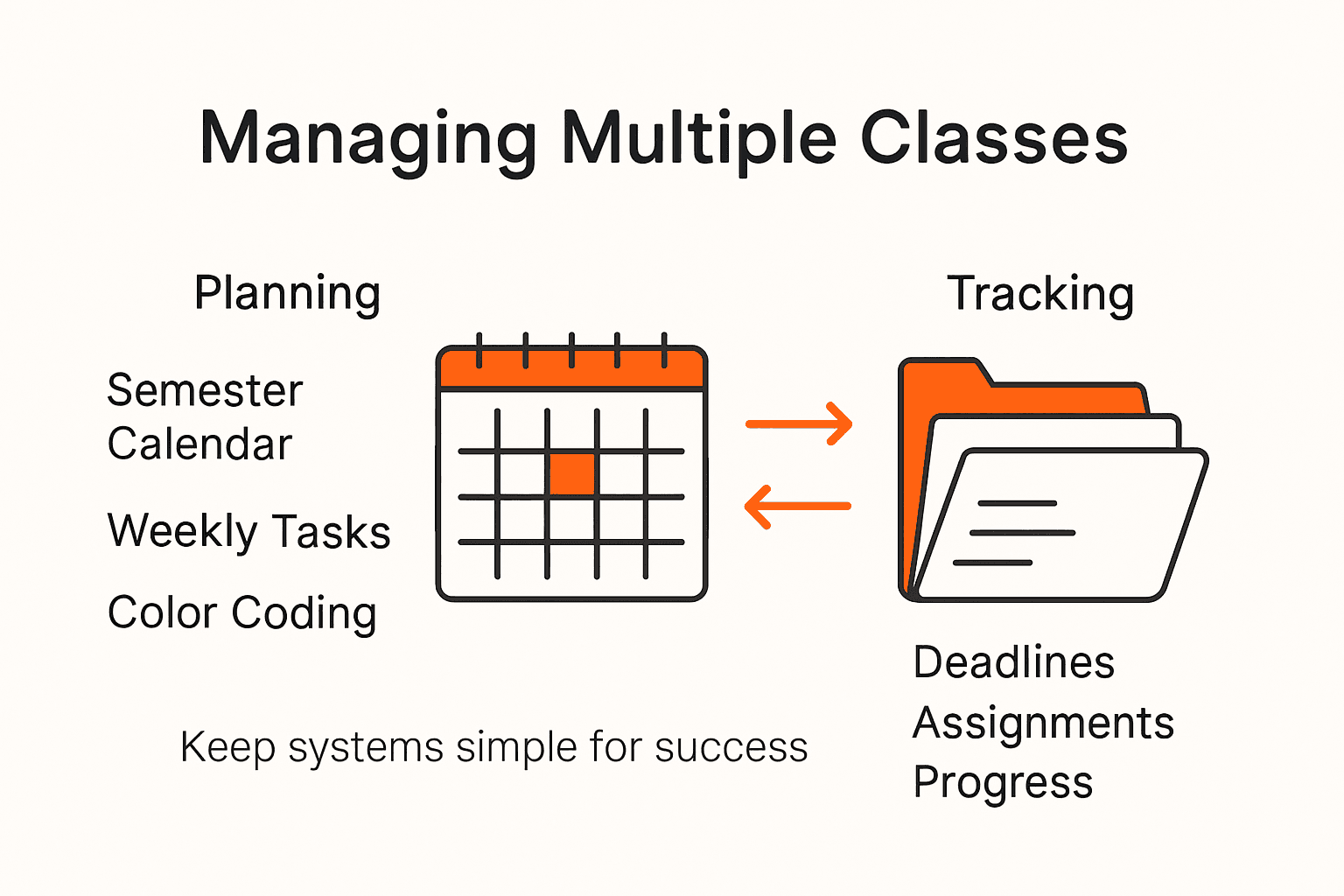
Start by creating a master deadline spreadsheet that categorizes assignments by priority and weight. Research on flexible deadline policies suggests understanding the strategic importance of each assignment to manage your academic workload more effectively. Rank your assignments using a color coded system green for low stakes tasks yellow for medium importance and red for critical assignments that significantly impact your final grade. Consider factors like point value assignment complexity and upcoming exam schedules when determining priority.
Implement a proactive tracking system where you break down larger assignments into smaller manageable milestones. This approach prevents last minute panic and allows you to distribute your effort strategically. Check in with your assignments weekly adjusting your priority list as new information or deadlines emerge. Always allocate buffer time for unexpected challenges or additional research needs. When multiple deadlines converge focus on completing high stakes assignments first while maintaining steady progress on other coursework.
Quick Tip: Create a visual priority matrix that maps assignment difficulty against grade impact to instantly see which tasks deserve your immediate attention.
Step 4: Implement a Consistent Weekly Planning Routine
Creating a reliable weekly planning routine transforms how you manage multiple classes and academic responsibilities. Your mission is to develop a structured approach that brings predictability and control to your academic life.
Structured daily routines can significantly reduce student anxiety and improve time management across different classes and assignments. Choose a consistent day and time each week for your planning session ideally on Sunday evening or Monday morning when you can review the upcoming week in detail. During this dedicated planning time create a comprehensive overview that includes assignment deadlines upcoming exams project milestones and any additional academic commitments.
Break your planning routine into three core phases. First review all syllabi and update your master calendar with new or adjusted deadlines. Second prioritize assignments based on their complexity and grade impact creating a clear action plan for the week. Finally allocate specific time blocks for studying working on assignments and completing specific tasks. Be realistic about your time and build in buffer periods for unexpected challenges or additional research needs. Use digital tools like Google Calendar or physical planners to track and visualize your weekly commitments ensuring nothing slips through the cracks.
Quick Tip: Schedule your weekly planning session at the same time every week to turn it into an automatic habit that requires minimal mental effort.
Step 5: Evaluate Progress and Adjust Your Strategy
Successfully managing multiple classes requires consistent self reflection and strategic adaptation. Your goal is to develop a systematic approach for tracking your academic performance and making intelligent adjustments along the way.
Performance measurement tools help students identify improvement opportunities and confirm effective actions across different academic challenges. Schedule a monthly personal progress review where you analyze your current academic standing grades assignment completion rates and overall stress levels. During this review compare your actual performance against your original planning goals. Look for patterns in what strategies worked well and which areas need improvement. Pay attention to specific challenges like consistent late assignments difficulty managing specific class workloads or recurring time management struggles.
Create a simple tracking system to monitor your academic progress. Use a spreadsheet or digital dashboard that allows you to log grades assignment completion times and personal performance metrics. Color code your tracking system green for areas of success yellow for improvement needed and red for critical areas requiring immediate intervention. Be honest with yourself and view this as a learning process not a judgment. Adjust your planning and study strategies based on these insights experiment with new approaches and remain flexible. Remember that academic success is about continuous improvement not perfection.
Quick Tip: Set a recurring calendar reminder for your monthly progress review to make self evaluation a consistent habit.
Master Your Semester With Confidence and Ease
Managing multiple classes, teachers, and deadlines can feel overwhelming. The key challenges discussed in the article like organizing your semester calendar strategically and prioritizing assignments are exactly what many students struggle with every day. Feeling stressed by conflicting deadlines or losing track of important assignments stops you from focusing on what matters most — mastering your studies and maintaining balance.
If you want to conquer these challenges using proven systems for time management and productivity embrace tools and strategies designed specifically for busy students like you. Explore practical solutions that help you streamline scheduling, organize materials, and track progress effectively. Don’t wait to build your best study routine and regain control over your academic life. Start your journey now by visiting our homepage and unlock your full potential today.
Frequently Asked Questions
How can I effectively set up a semester calendar for multiple classes?
To set up a semester calendar, gather all your syllabi and use a large wall calendar or a digital planning app. Color code assignments for different classes to easily distinguish between them.
What strategies can I use to prioritize assignments and deadlines?
You can prioritize assignments by creating a master deadline spreadsheet that categorizes tasks by importance. Use a color coding system to rank tasks and focus on completing high-stakes assignments first.
How should I organize my class materials and communication channels?
Organize your class materials by creating digital folders for each class and using specific labels for communication. Set up a reference sheet for each teacher’s preferred contact method to streamline any inquiries.
What routine should I establish for weekly planning?
Establish a consistent weekly planning routine by dedicating a specific day and time each week for this task. During this session, review upcoming deadlines and adjust your study schedules accordingly.
How can I evaluate my academic progress and adjust my strategies?
You can evaluate your academic progress by scheduling a monthly review of grades and assignment completion. Create a tracking system to log your performance and identify areas for improvement, adjusting your approach as necessary.
Recommended
- The Best Time Management Tools for Students in 2025: Stay Organized and Stress Less
- Productive Day Schedule For Students—Be Productive 12+ Hours a Day!
- How to Stay on Top of Your Assignments
- Mastering Time Management: Tools and Techniques
Want a head start? The Ultimate Student Planner in my shop was made for exactly this — it’ll save you a ton of time.