The Homeschooler’s Toolkit: Using Digital Planners for Flexible Learning

Does your "school room" currently look like a paper factory exploded? We get it. Between lesson plans, extracurricular schedules, and those half-finished math workbooks, homeschooling can quickly turn into a logistical puzzle. If you are tired of erasing penciled-in plans every time a field trip pops up, it might be time to rethink your system.
Digital planners for students aren't just a trend; they are the ultimate tool for families who value flexibility without sacrificing organization. Ready to reclaim your kitchen table and streamline your school day?
Why Digital Planners are a Game-Changer for Homeschooling
The beauty of homeschooling is the freedom to pivot. However, a traditional paper planner doesn't always handle "pivoting" well. Digital tools offer a level of adaptability that paper simply can't match.
- The Power of the "Undo" Button: Life happens. When a science experiment takes twice as long as expected, you can simply drag and drop tasks to the next day. No more messy scribbles or white-out.
- Centralized Record Keeping: Keep track of grades, attendance, and reading lists in one secure place. Digital planners allow you to sync data across devices, so you always have your records ready for state reporting.
- Zero Bulk, Maximum Space: Say goodbye to heavy binders. A single tablet can hold years of curriculum planning, schedules, and portfolios, making it easier to stay organized in a minimalist way.
- Automatic Reminders: Set notifications for upcoming project deadlines or live online classes so nothing falls through the cracks.
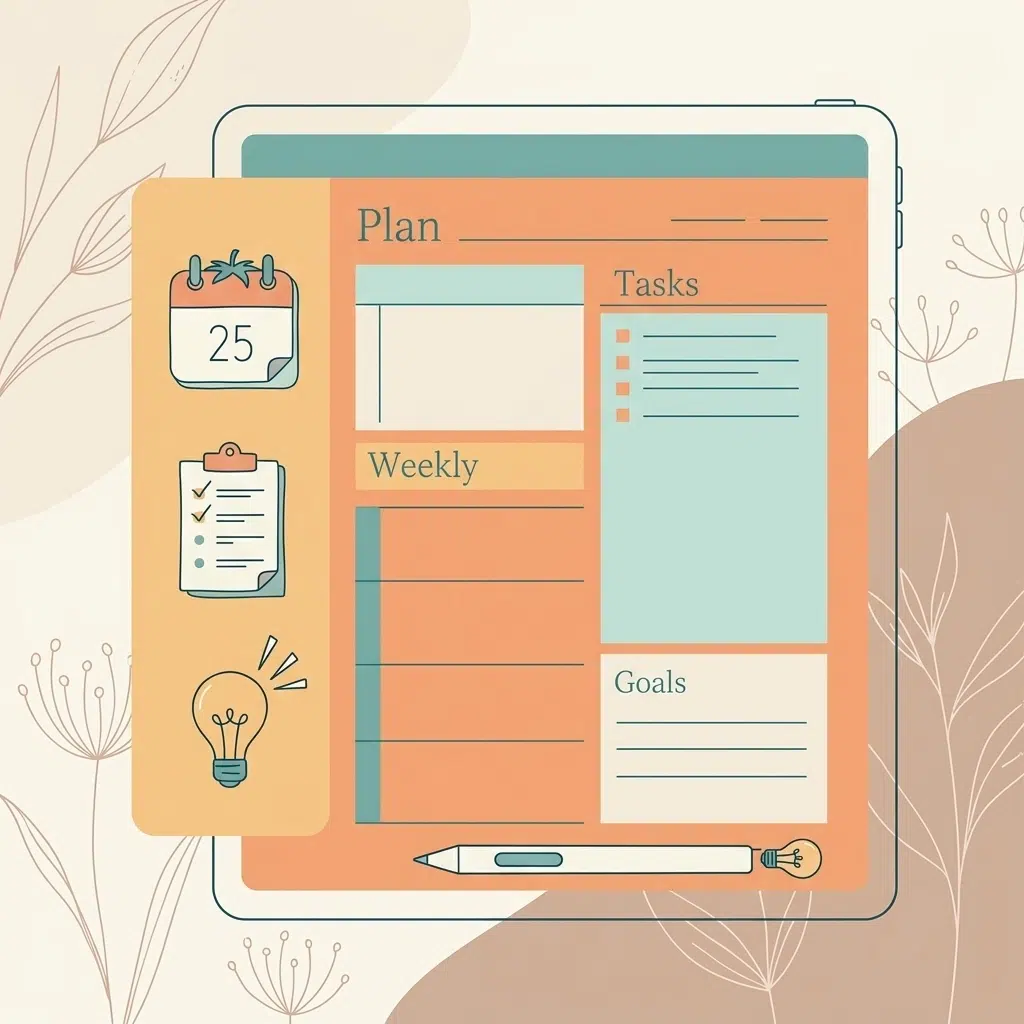
Empowering Student Independence
One of the biggest wins of moving to a digital system is the shift in responsibility. When students have their own digital workspace, they stop being "taught at" and start managing their own time.
- Foster Ownership: By using digital planners for students, your teen can take charge of their daily checklist. This builds essential executive functioning skills they will need for college and beyond.
- Visualize Progress: Seeing a digital progress bar or checking off interactive boxes provides immediate dopamine hits that keep students motivated to finish their work.
- Collaborative Planning: You can share specific boards or calendars with your student. They can see what needs to be done, and you can see their progress in real-time without having to hover.

Essential Features for Your Homeschool Digital Toolkit
Not all planners are created equal. To make the most of your digital transition, you need a system that fits the unique flow of a homeschooling day. Whether you prefer a dedicated app or a customizable template, look for these "must-haves":
- Cloud Syncing: Ensure your planner works on your laptop, tablet, and phone. This allows you to check the schedule while you're at the library or a co-op meeting.
- Customizable Layouts: Every family learns differently. Use tools like our Notion College Search Template to see how flexible digital layouts can be for big-picture planning.
- Color-Coding Capabilities: Assign a specific color to each child or subject. This makes a complex multi-student schedule scannable and clear at a glance.
- Resource Integration: Hyperlink directly to your online curriculum, YouTube educational videos, or PDF worksheets. This creates a seamless workflow where everything is just one click away.
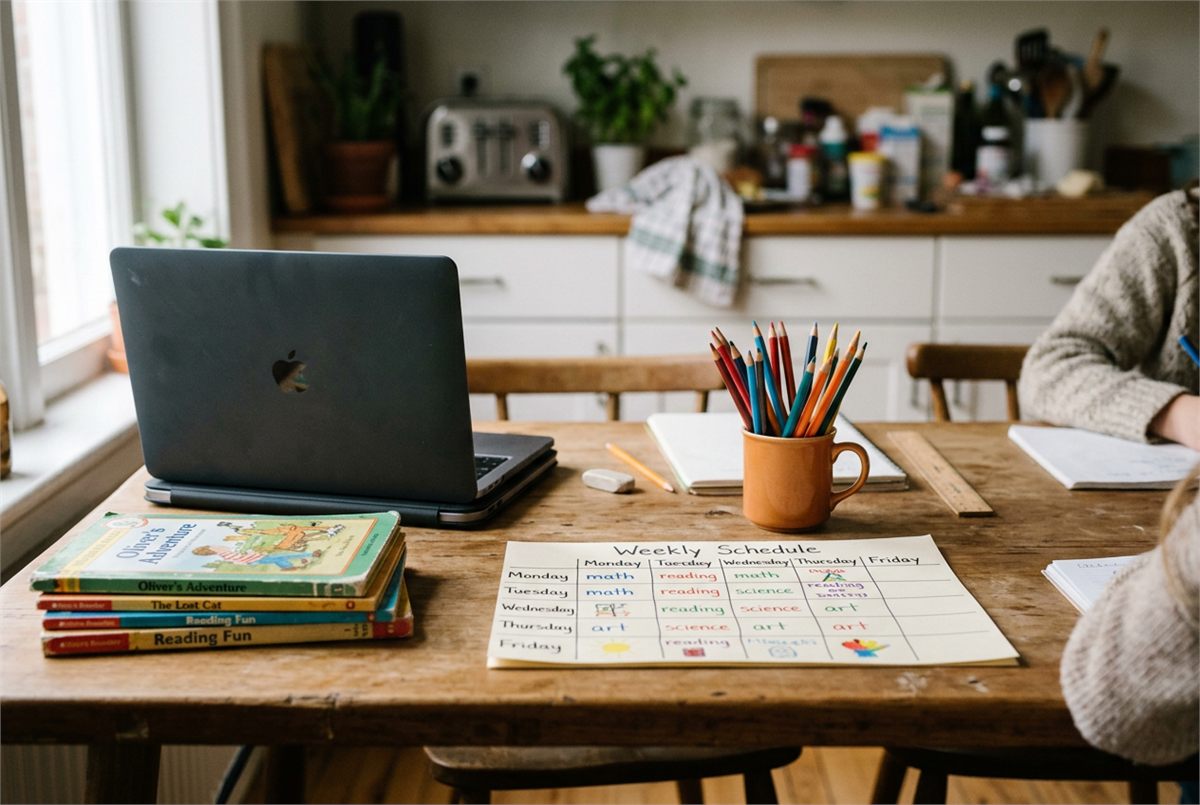
Transitioning from Paper to Digital
If you’ve been a "paper person" for years, the switch can feel intimidating. The key is to start small and not try to digitize your entire life overnight.
- Start with a Hybrid Approach: Keep your physical journals for creative writing but move your daily schedule to a digital format.
- Use a Template: Don’t build from scratch. Start with an undated monthly planner or a dedicated student template to find what structure works for you.
- Set a Daily Sync: Spend five minutes every morning looking at the digital dashboard together. This ensures everyone is on the same page before the day starts.
- Audit Your Tools: Use a self-assessment to determine if your current tools are actually helping you stay productive or just adding to the noise.
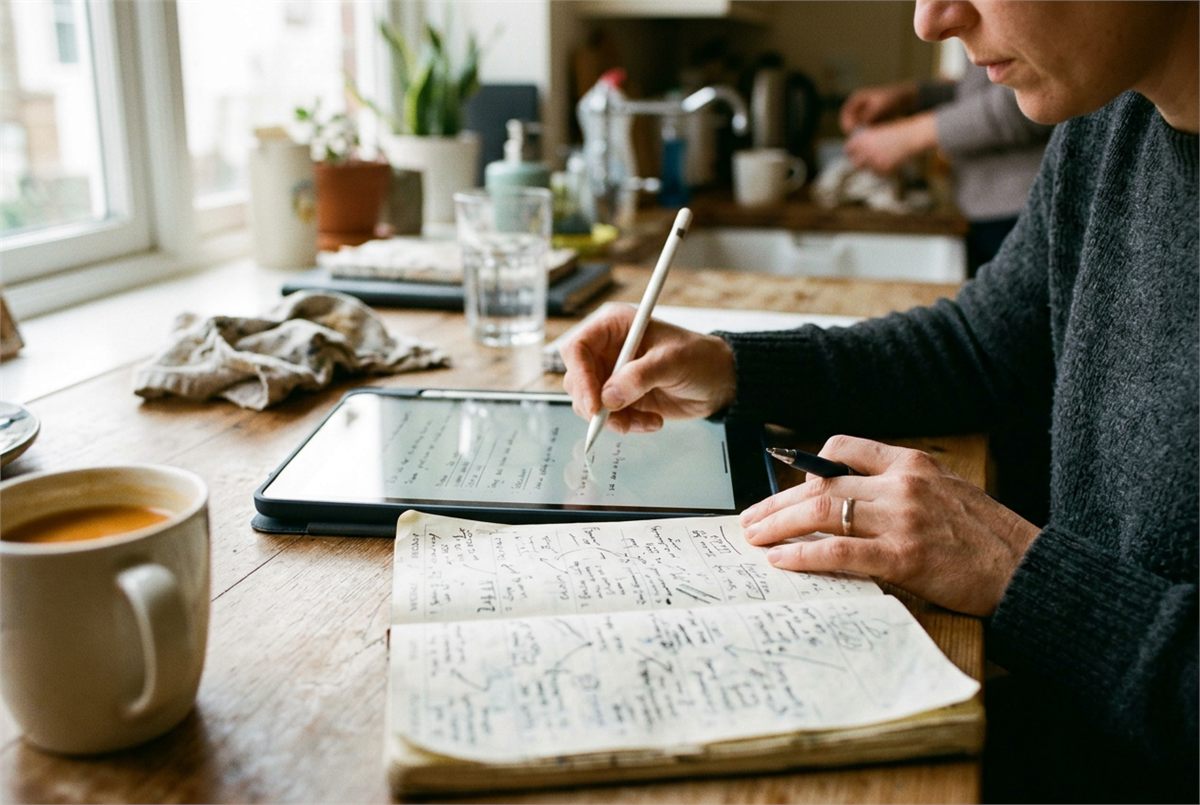
School on the Go: The Portability Factor
The world is your classroom, right? Whether you are road-schooling or just heading to a local cafe for a change of scenery, your planner needs to move with you.
- Lighten the Load: Instead of packing a bag full of planners and notebooks, grab your tablet and go.
- Offline Access: Many digital planners allow for offline editing, so you can update your college school supplies list or lesson plans even when the Wi-Fi is spotty.
- Instant Updates: If a museum trip gets rescheduled, update the app once and it reflects across all family devices instantly.
Join The Community
Ready to take your homeschooling organization to the next level? You don't have to figure it out alone. At Learning With Angie, we provide practical, tested advice to help you and your students thrive in all areas of learning.
Join the community to receive biweekly resources, productivity hacks, and the latest tools designed specifically for the modern student experience. Let’s make this your most organized school year yet!
Want a head start? The Ultimate Student Planner in my shop was made for exactly this — it’ll save you a ton of time.